Add CTAs to your articles - Prenly
What is this?
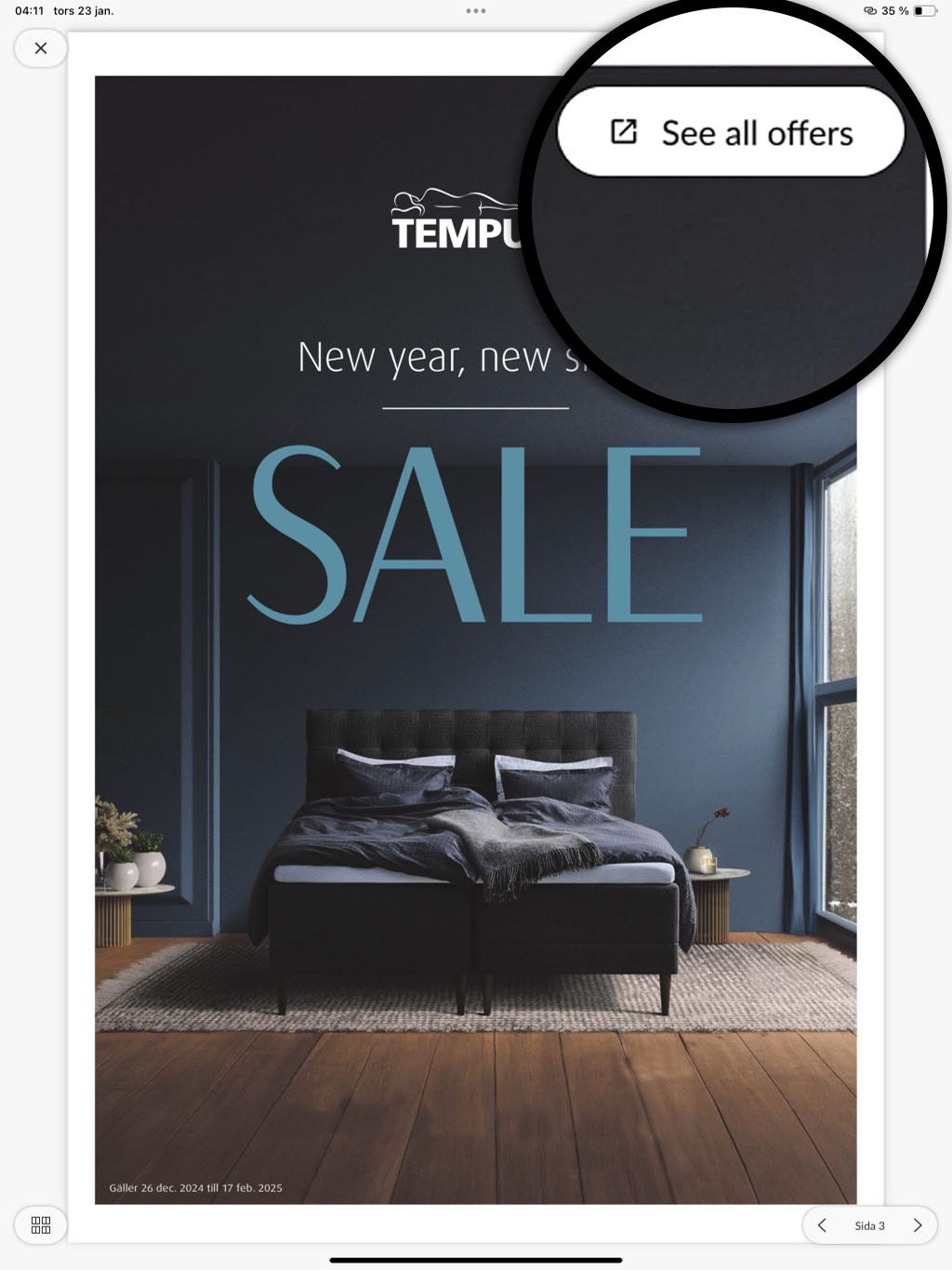
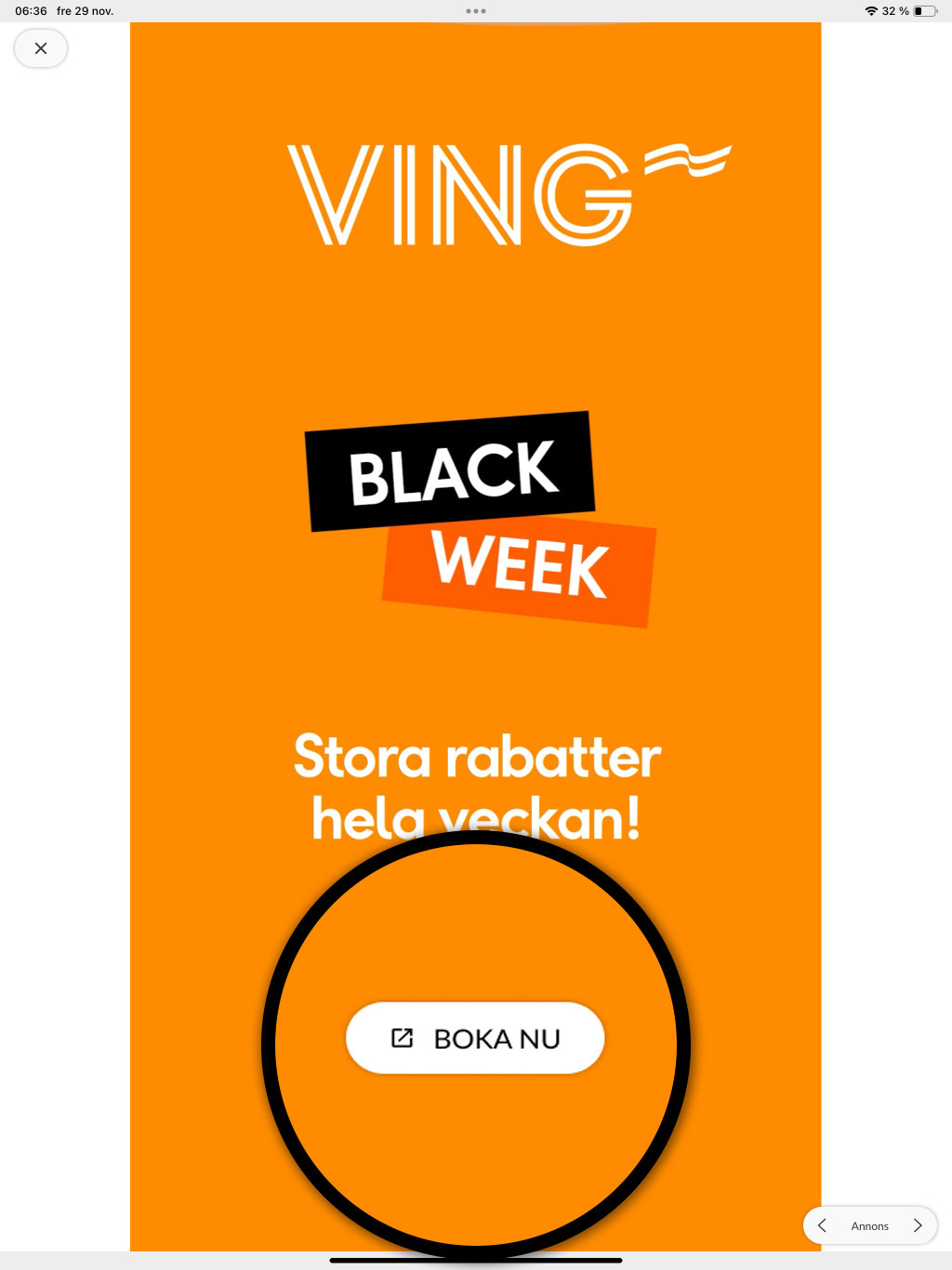
CTA (Call-to-action) links allow you to add clickable icons/buttons on top of the content in your PDF boxes for your non-editorial content, such as ads, crosswords, etc.
CTA links improve the visibility of your interactive content in the form of links, videos and slideshows in your e-newspaper. All you need to do is add a few extra parameters to the URLs that you currently create hyperlinks for in your PDFs.
To help you add these parameters, we have created a link generator where you can easily build the right link structure.
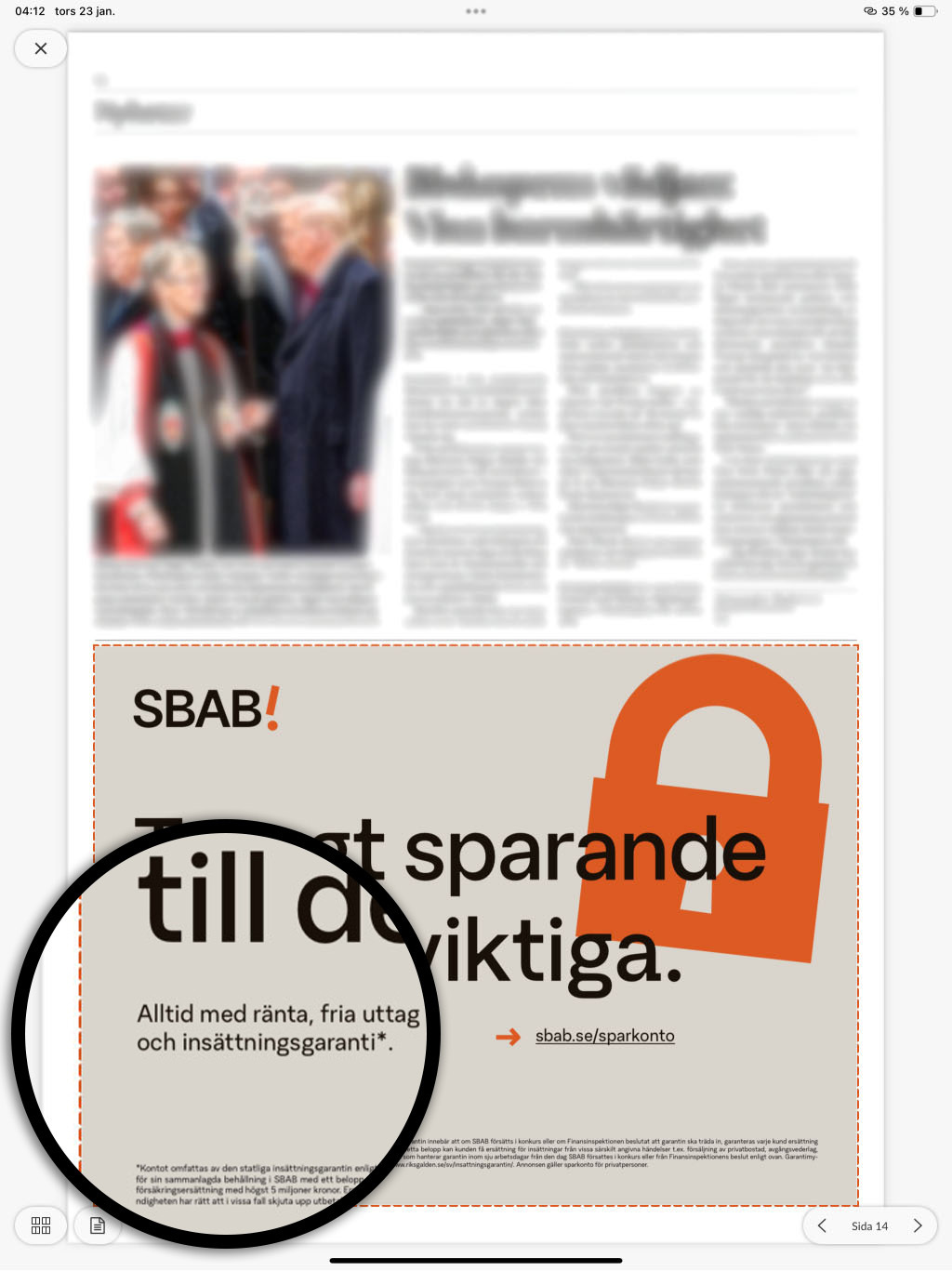
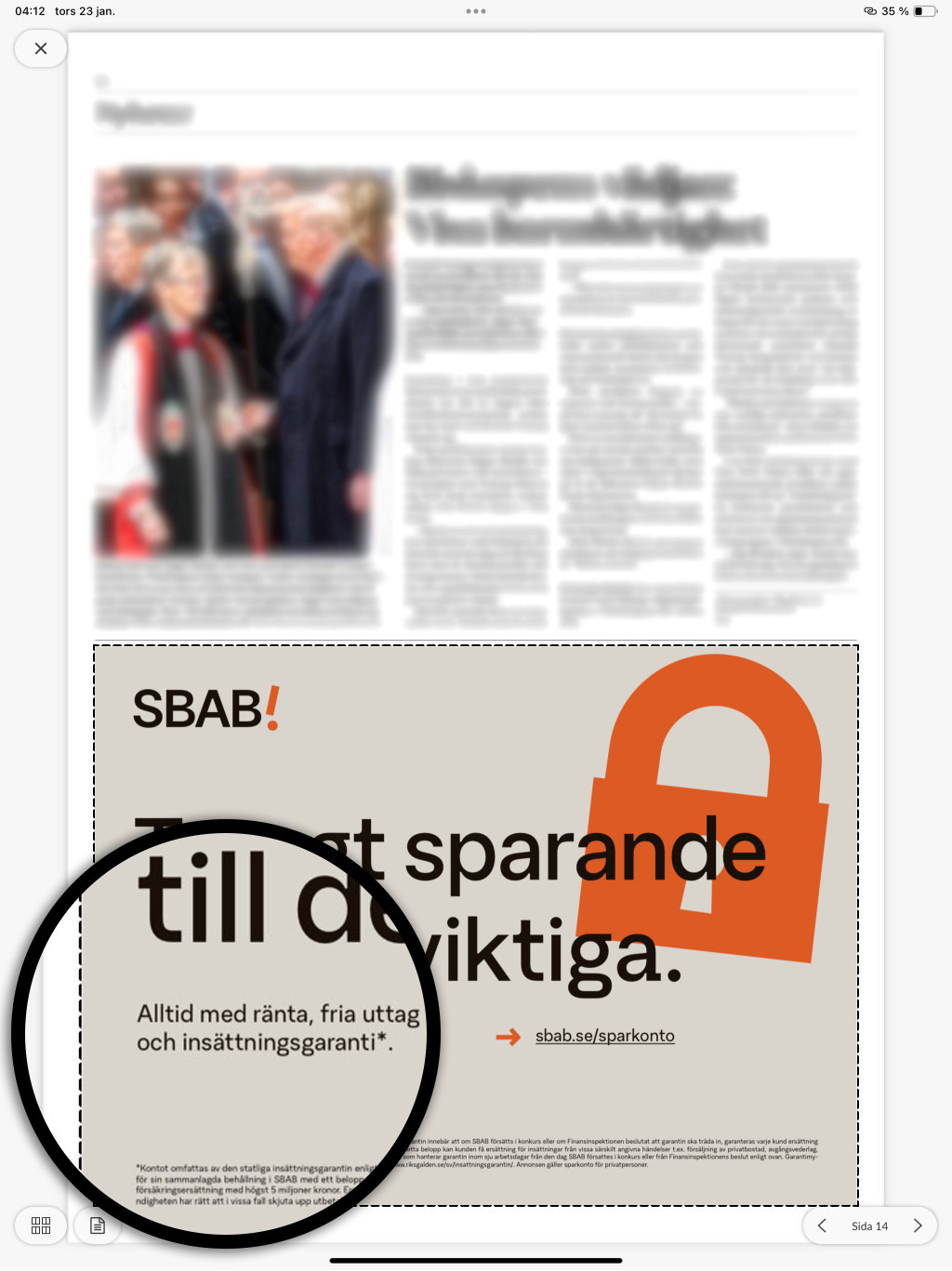
Regarding the border on the link boxes, please contact support to ask us to set the default setting in replica mode. You can choose between visible, hidden or fade out. We can also set the desired color as the default.
Build your links easily with our link generator
With our link generator on ctabtn.com you can:
- Create visually appealing links with icons
- Choose between different sizes: small, medium, large
- Place the link anywhere on the page
- Customize colors for icon, background and frame
- Add custom or predefined labels
- Track clicks and views on your links
Login
When you create an account, you have the option to choose between 3 different plans.
1. Free
- 2 free CTA buttons with tracking
- Unlimited CTA buttons without tracking
- Basic statistics
2. Starter
- Unlimited CTA buttons with tracking
- Advanced statistics and analytics
- Save your CTA button settings
Price: 50 SEK/month.
3. Pro
- All Starter features
- Create interstitial ads
- Statistics for views and clicks
- Hosting for creatives
Price: 500 SEK/month
How to build your URLs manually
To manually create a URL with CTA functionality, start with your base URL and then add the parameters using ? followed by parameter=value. Separate multiple parameters with &.
Basic format
https://your-url.com?parameter1=value1¶meter2=value2
Available parameters
Required parameters
prbe-cta-icon: Select icon: "none", "link", "video" or "gallery".
prbe-cta-size: Select size: "small", "medium" or "large".
prbe-cta-pos: Select position:
"top-left", "top-center", "top-right"
"middle-left", "middle-center", "middle-right"
"bottom-left", "bottom-center", "bottom-right"
prbe-cta-clr: Icon color (hexadecimal, e.g. %23FFFFFF for white)
prbe-cta-bg-clr: Background color (hexadecimal, e.g. %23000000 for black)
prbe-bor-vis: Show frame: "0" (no frame) or "1" (show frame)
You can also use this parameter if you want to hide the dashed frame around the clickable area without using the button functionality.
Optional parameters
prbe-cta-label: Text to display next to the icon (max 15 characters)
prbe-bor-clr: Frame color (hexadecimal, only used if prbe-bor-vis=1)
Example
Here is a complete example of a URL with all parameters:
https://exempel.se?prbe-cta-icon=video&prbe-cta-size=medium&prbe-cta-pos=bottom-right&prbe-cta-clr=%23FFFFFF&prbe-cta-bg-clr=%23000000&prbe-cta-label=Play%20video&prbe-bor-vis=1&prbe-bor-clr=%23FFAE00
Important things to keep in mind
- All hexadecimal colors and special characters codes must be URL-encoded to %23 (e.g. # becomes %23).
- Spaces in labels must be URL-encoded to %20.
- Special characters must be URL-encoded according to URL standards.
- For logged-in users, the original-url parameter is automatically added to allow for the ability to track views in external systems.
- This function requires at least version 13.8 iOS & 12.7 Android
Default values
If you omit any parameter, these default values are used:
- Icon: "none"
- Size: "medium"
- Position: "middle-center"
- Icon color: #FFFFFF (white)
- Background color: #000000 (black)
- Border: None (0)
- Border color: #FFAE00 (if border is enabled)
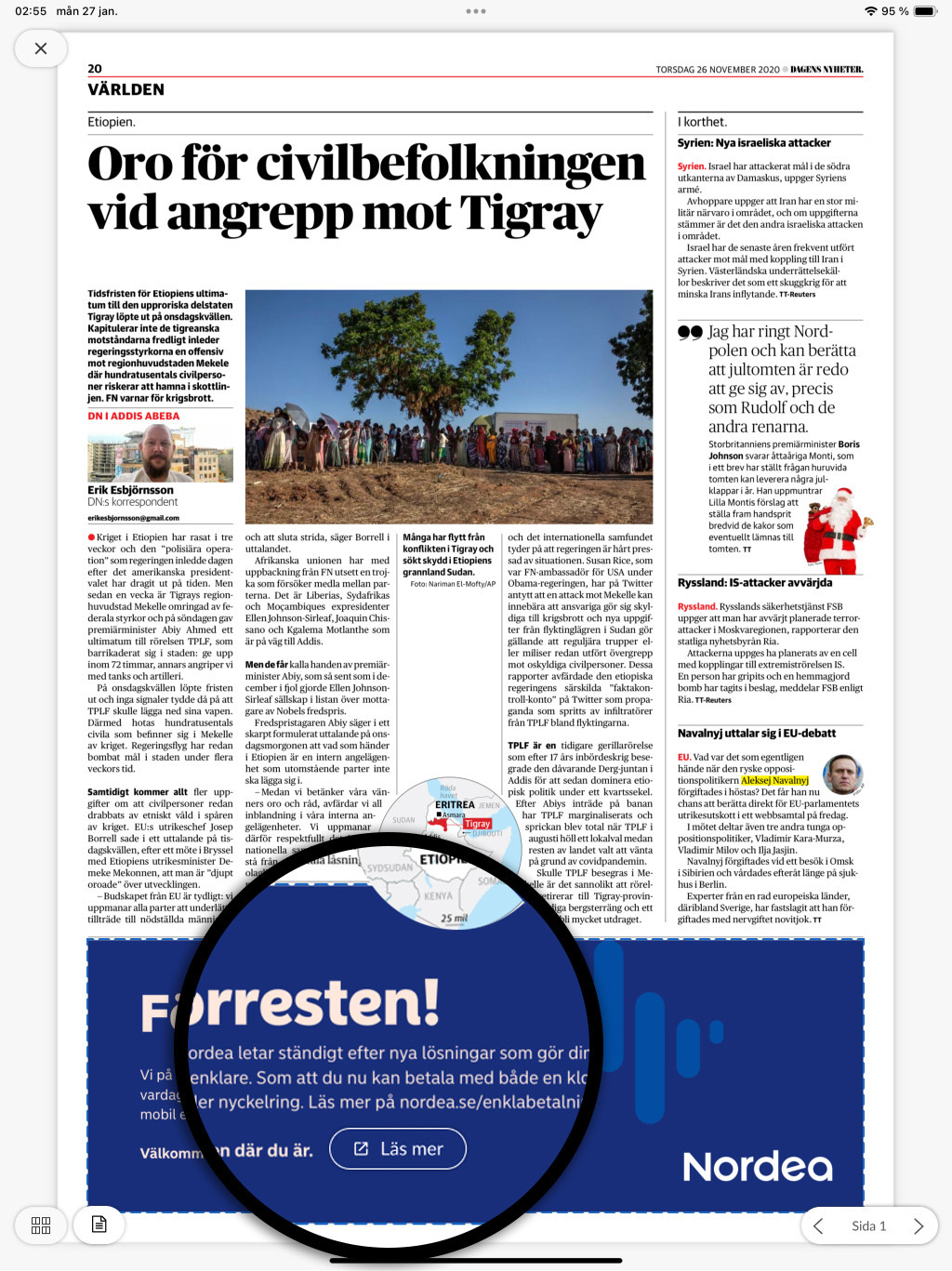
Add the link to your content
Once you have created the link, copy and paste it into your content in the same way you add links today. See guide: Annotate links in Webarch imported issue.
Need help?
If you have any questions or need support getting started, don't hesitate to contact us at hello@prenly.com