Unlock edition - Prenly
If a publication normally requires an active subscription, you can change its read permission at any time to make it publicly available.
How to do it:
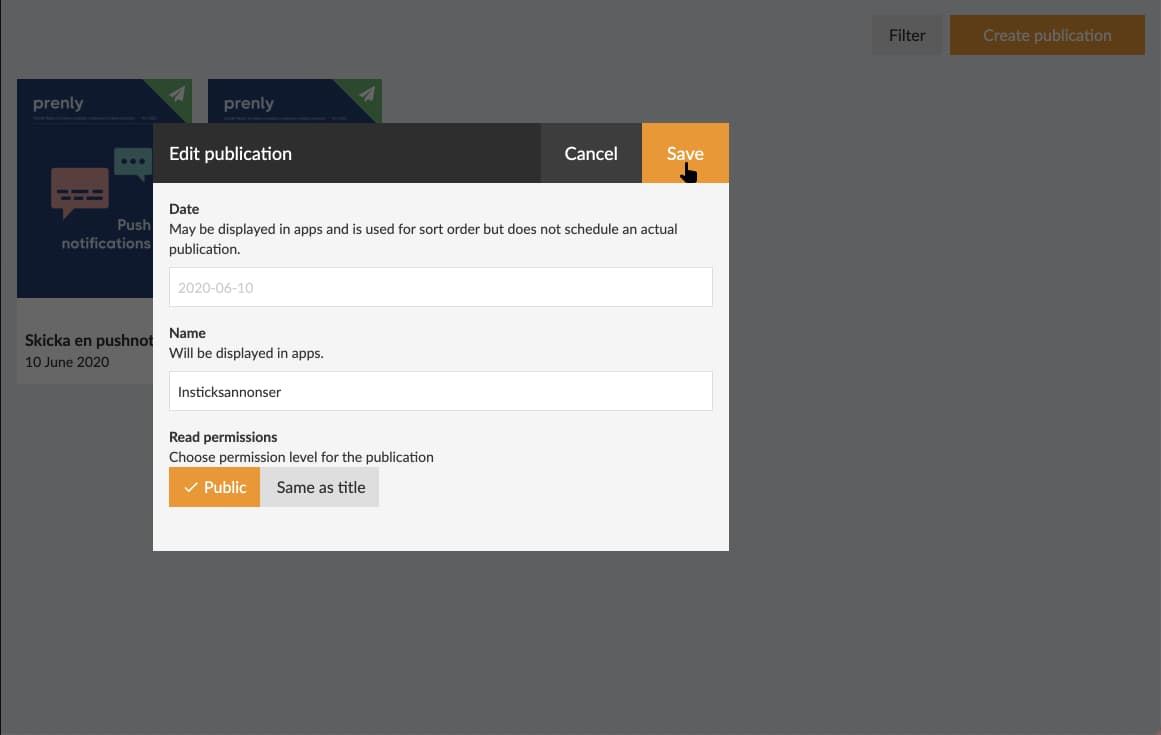
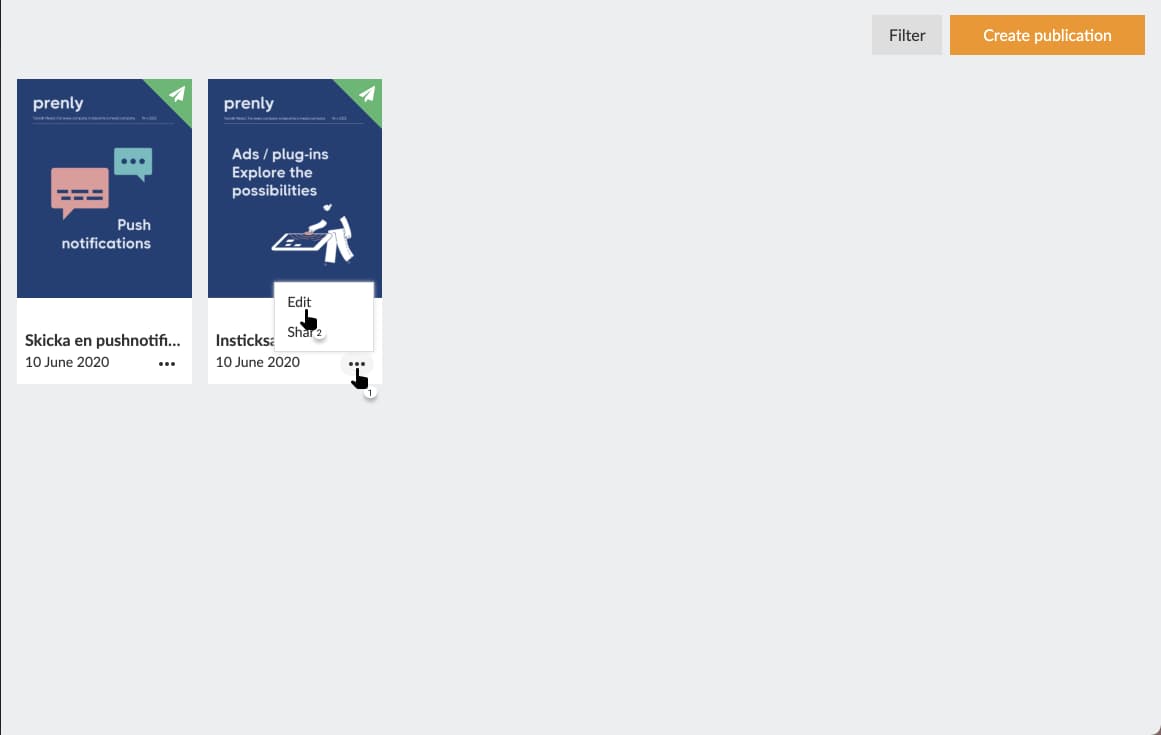
Go to Titles and find the publication that contains the issue you want to open. Click the three dots and choose Edit.
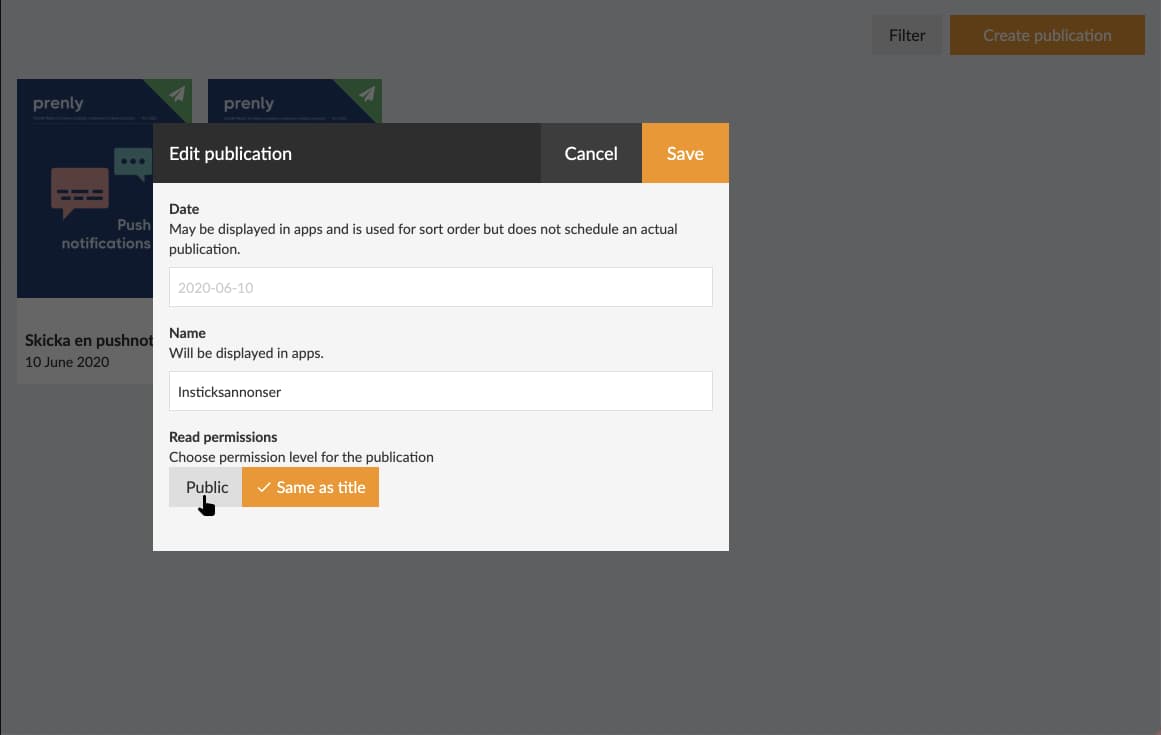
Change the Read permissions for that issue to Public.
Save your changes. Your setting will immediately take effect in the apps with access to the publication.
Make sure to highlight public issues on your start page for your readers to find.