Retract publication - Prenly
If you want to delete the latest version of a publication and show the previous one for your readers it's easily done via Prenly Workspace. Here we show you how to do it.
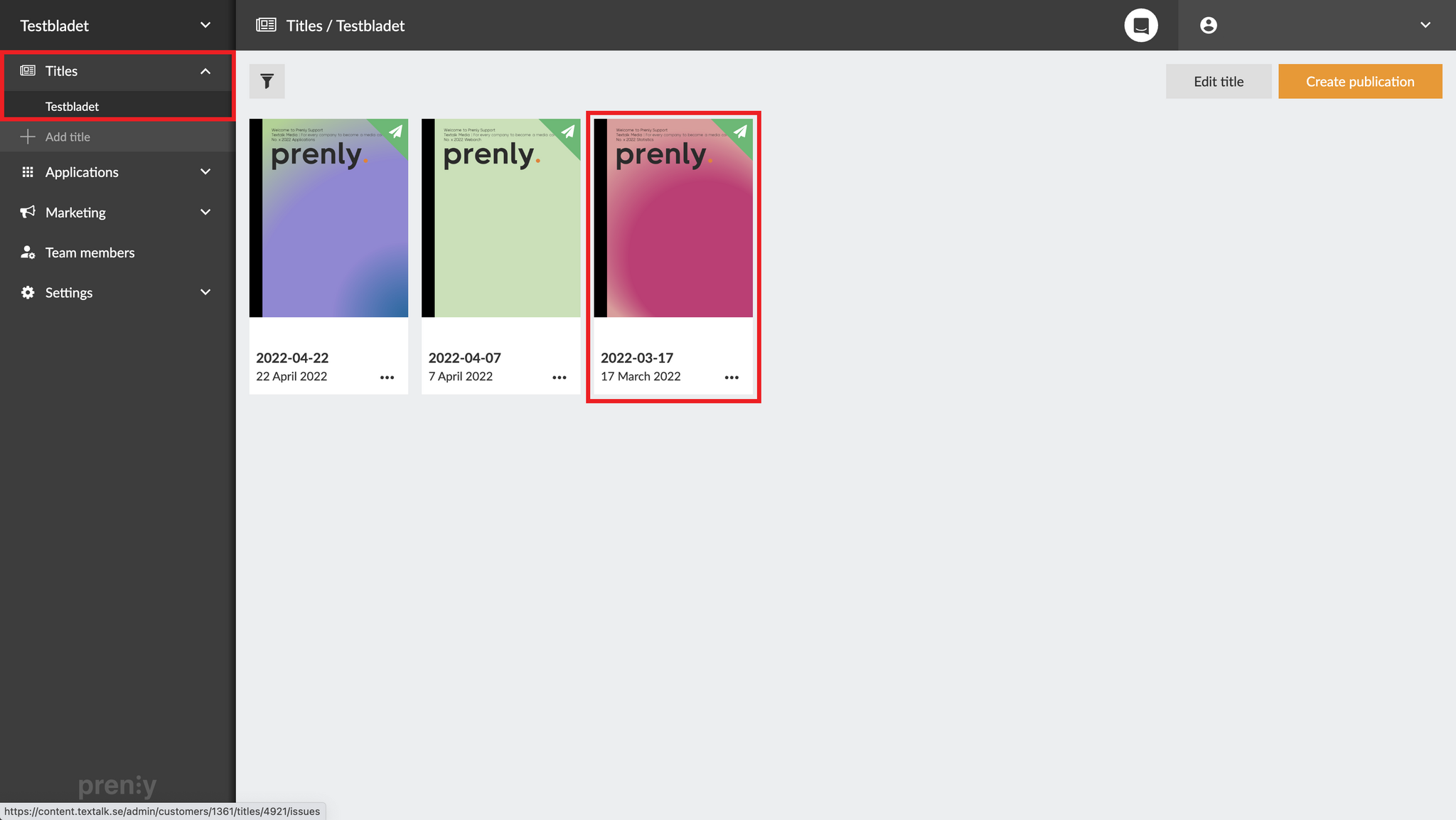
1. Go to your Titles, choose the relevant title and click the publication you want to change.
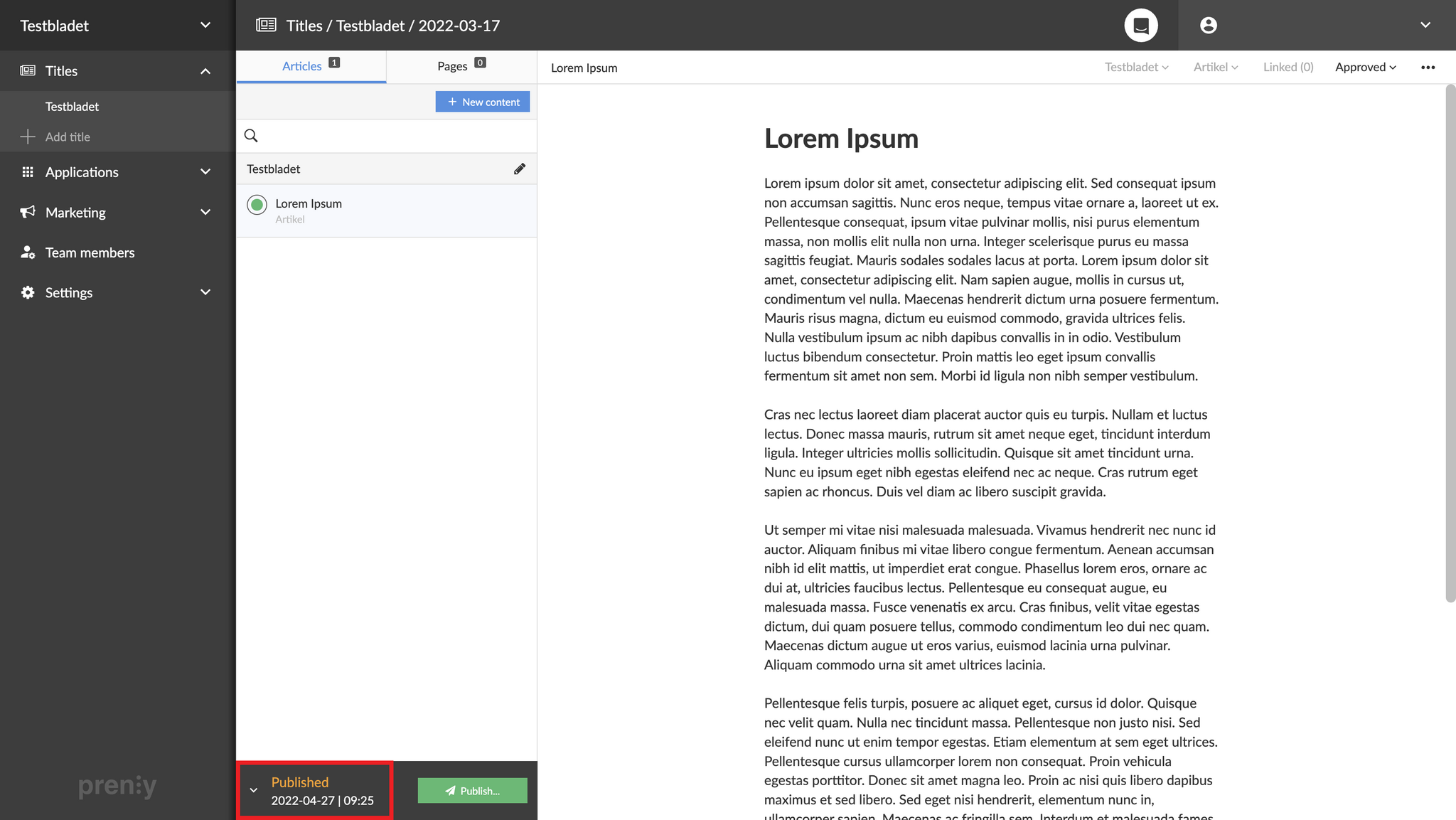
2. Click the publishing date (or the little arrow next to it) to show all versions of the publication.
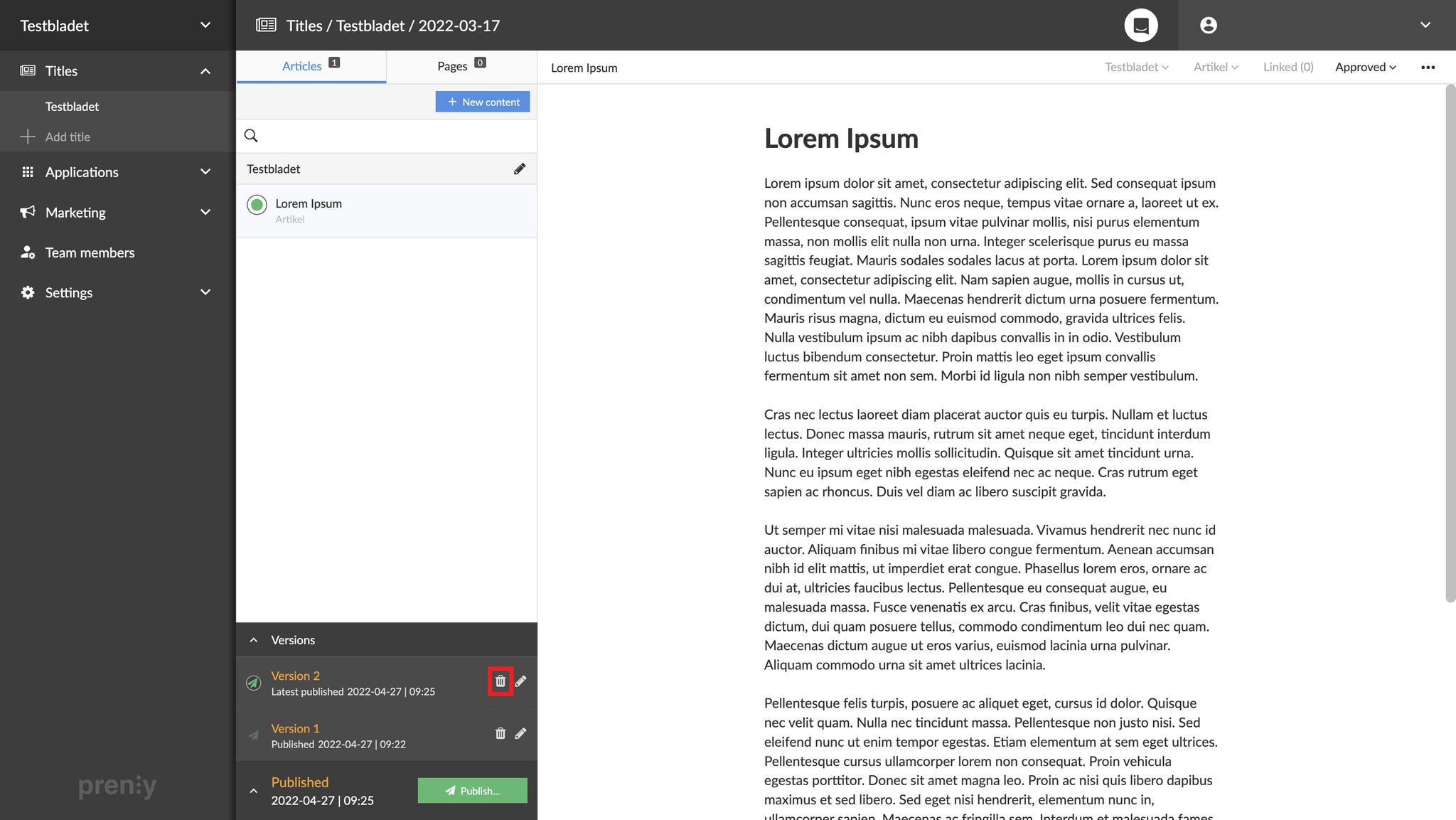
3. Click the small trash can to delete the desired version of the publication.
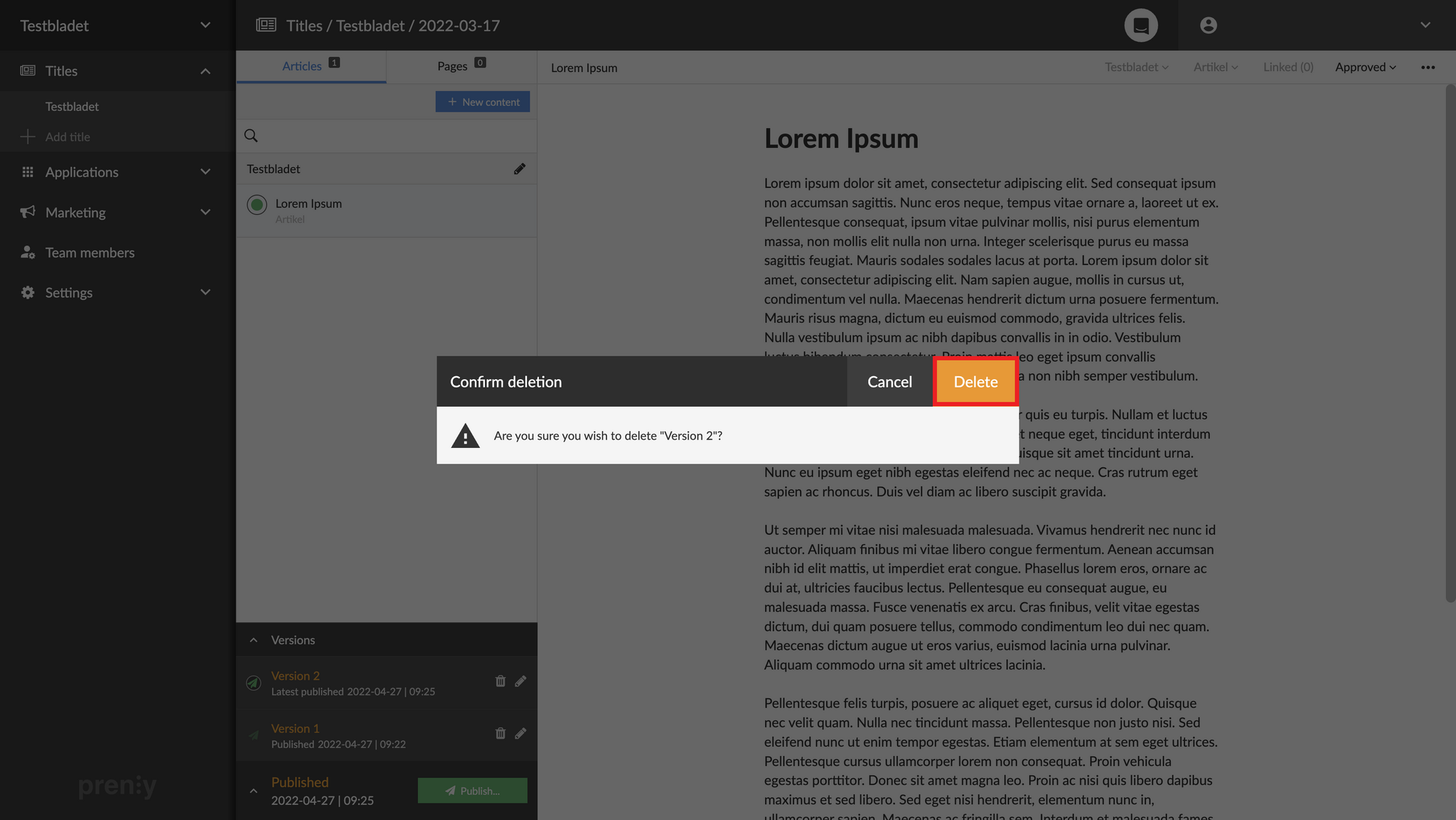
4. Confirm that you want to delete the chosen version by clicking "Delete".
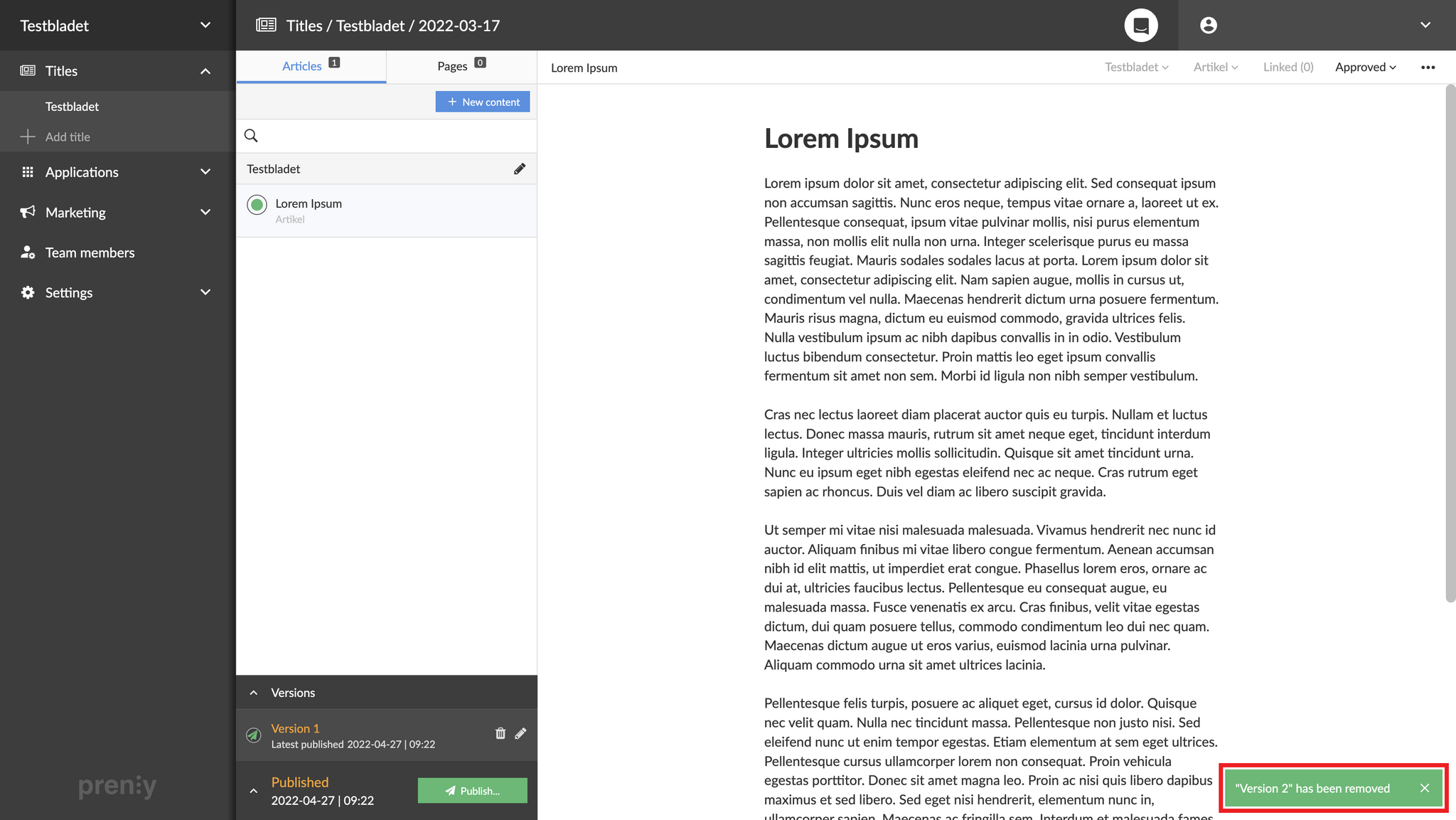
5. Done! The version is now retracted and instead the previous one is published.