Re-publish - Prenly
Re-publish the publication in order to let the readers receive the changes.
Follow these simple steps to re-publish your publication:
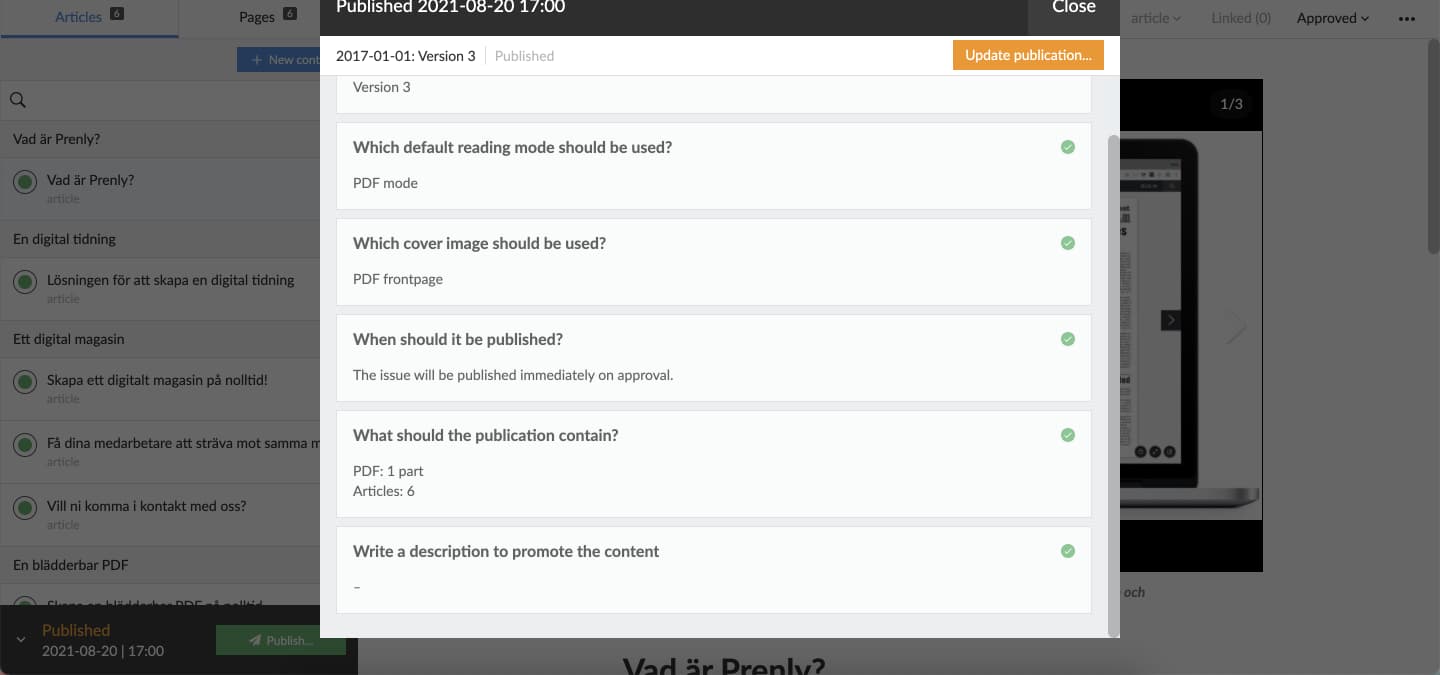
1. Select "Publish...".
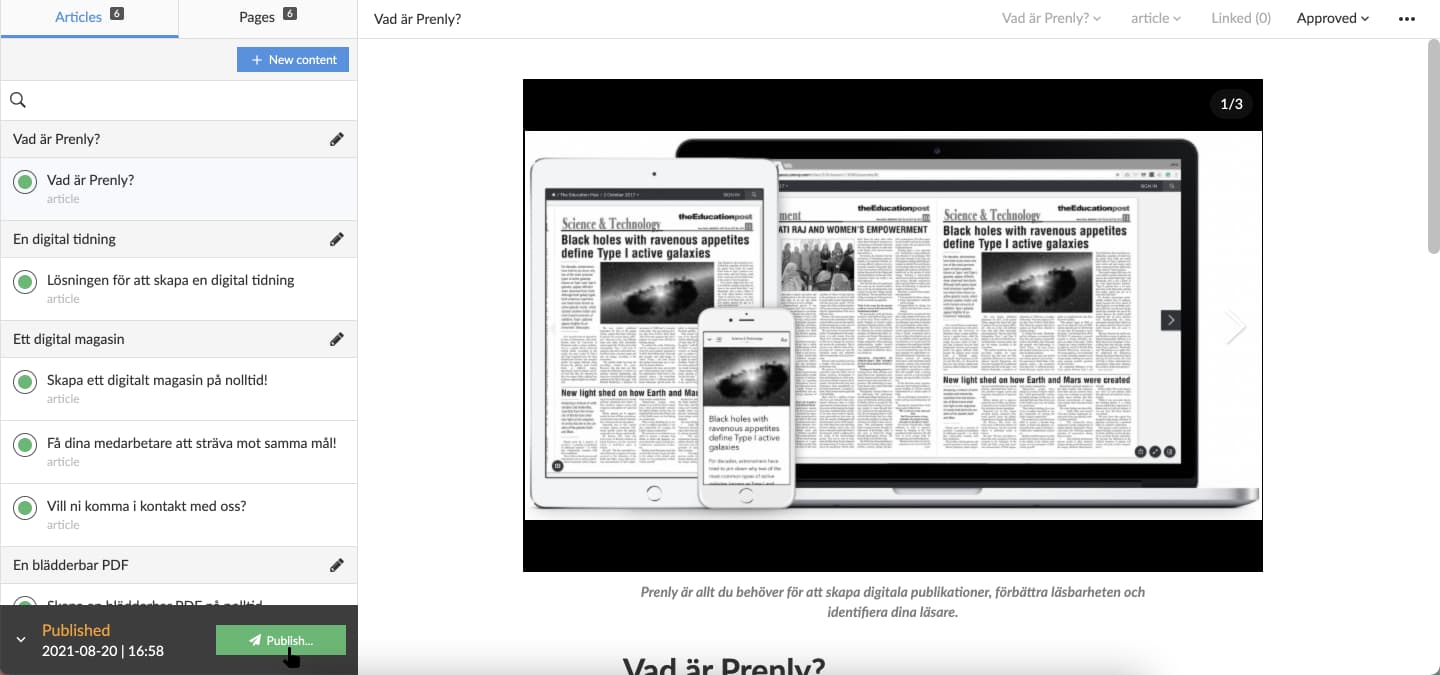
2. Select "Publish now" to publish the changes without reviewing the publish settings. If you want to review the settings, see the next step.
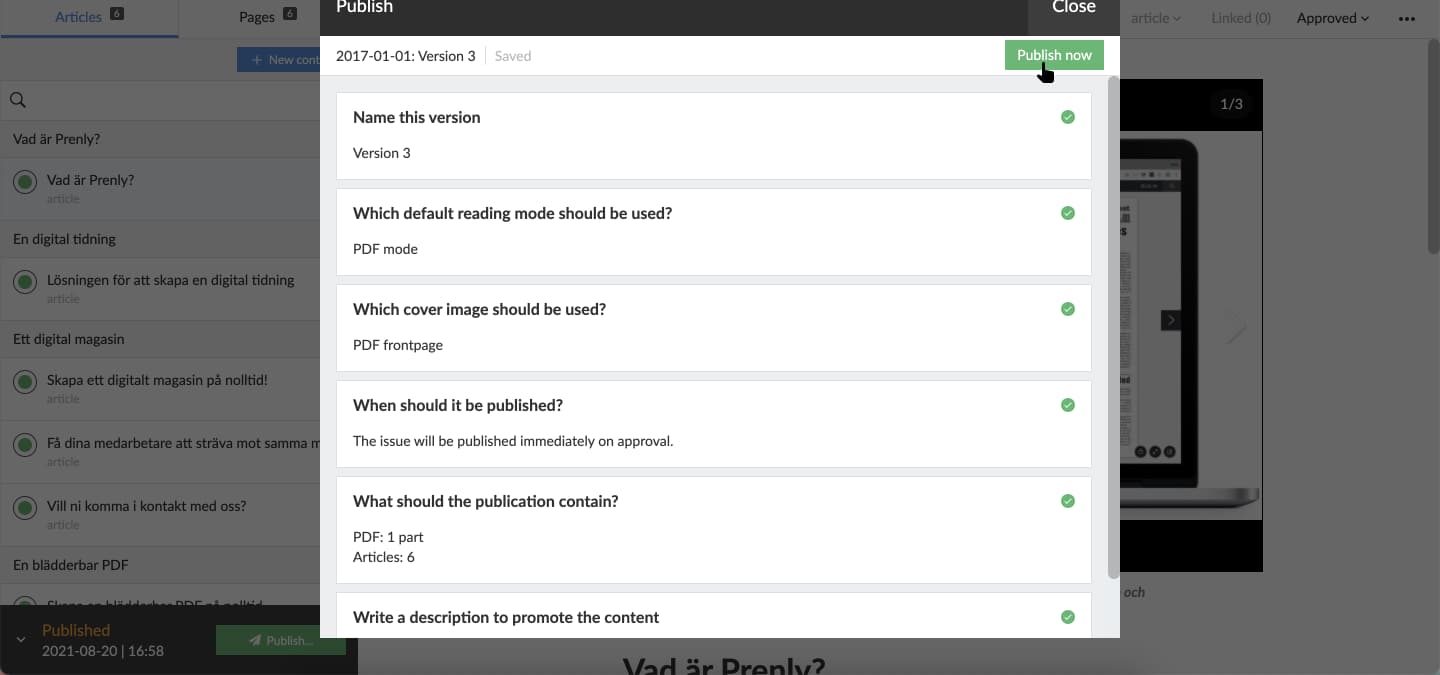
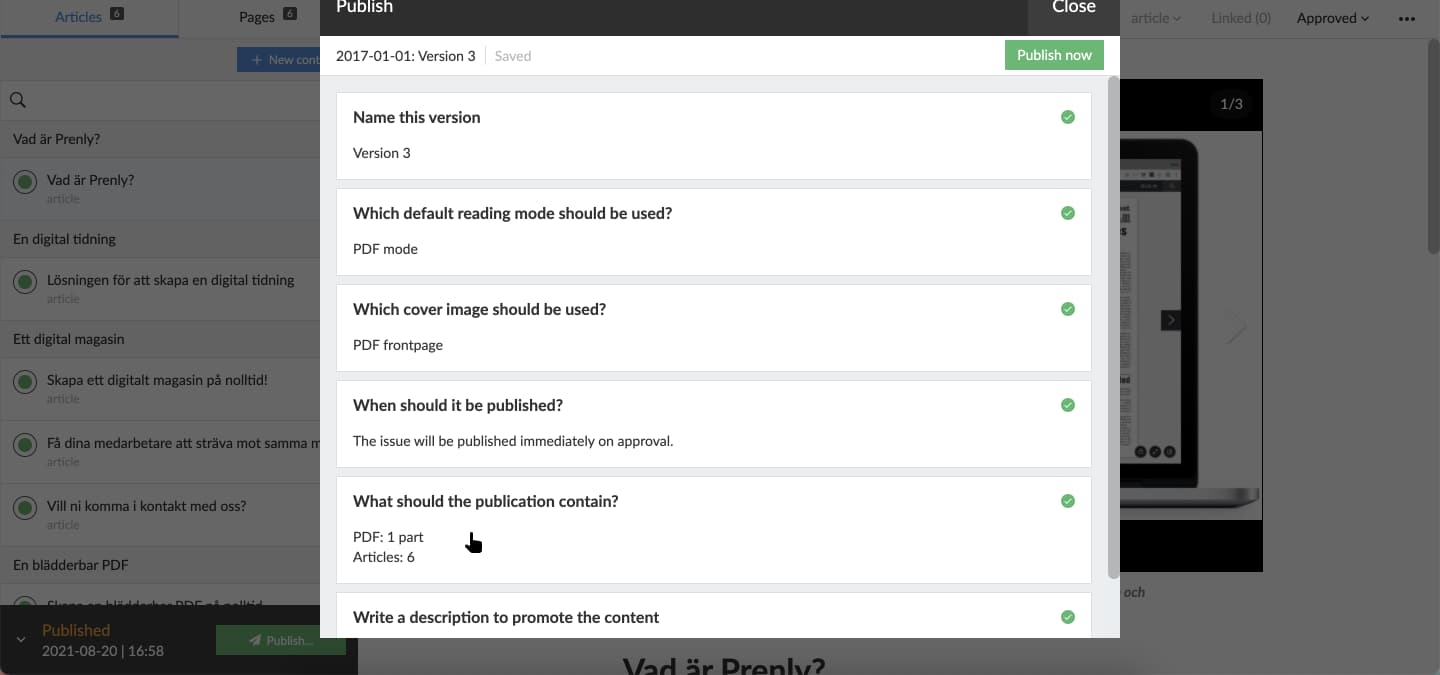
3. Select a publish setting section to review the current settings.
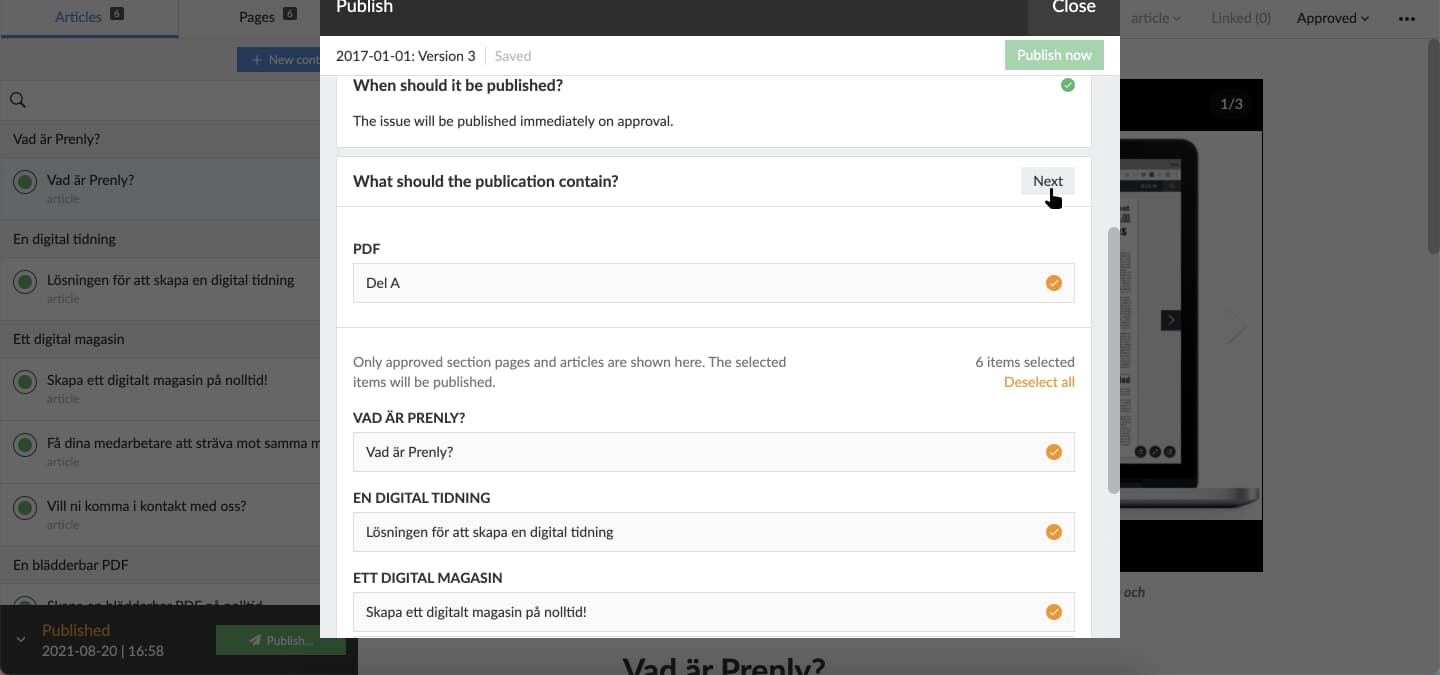
Select which articles among the approved-for-publish articles you want to keep in the new publication version.
4. The graphical interface will update when the publication has been re-published.
You can select the video below to see how to re-publish the publication as a video guide.