Mark favourite - Prenly
Bookmarking publications and/or applications in Prenly is easy.
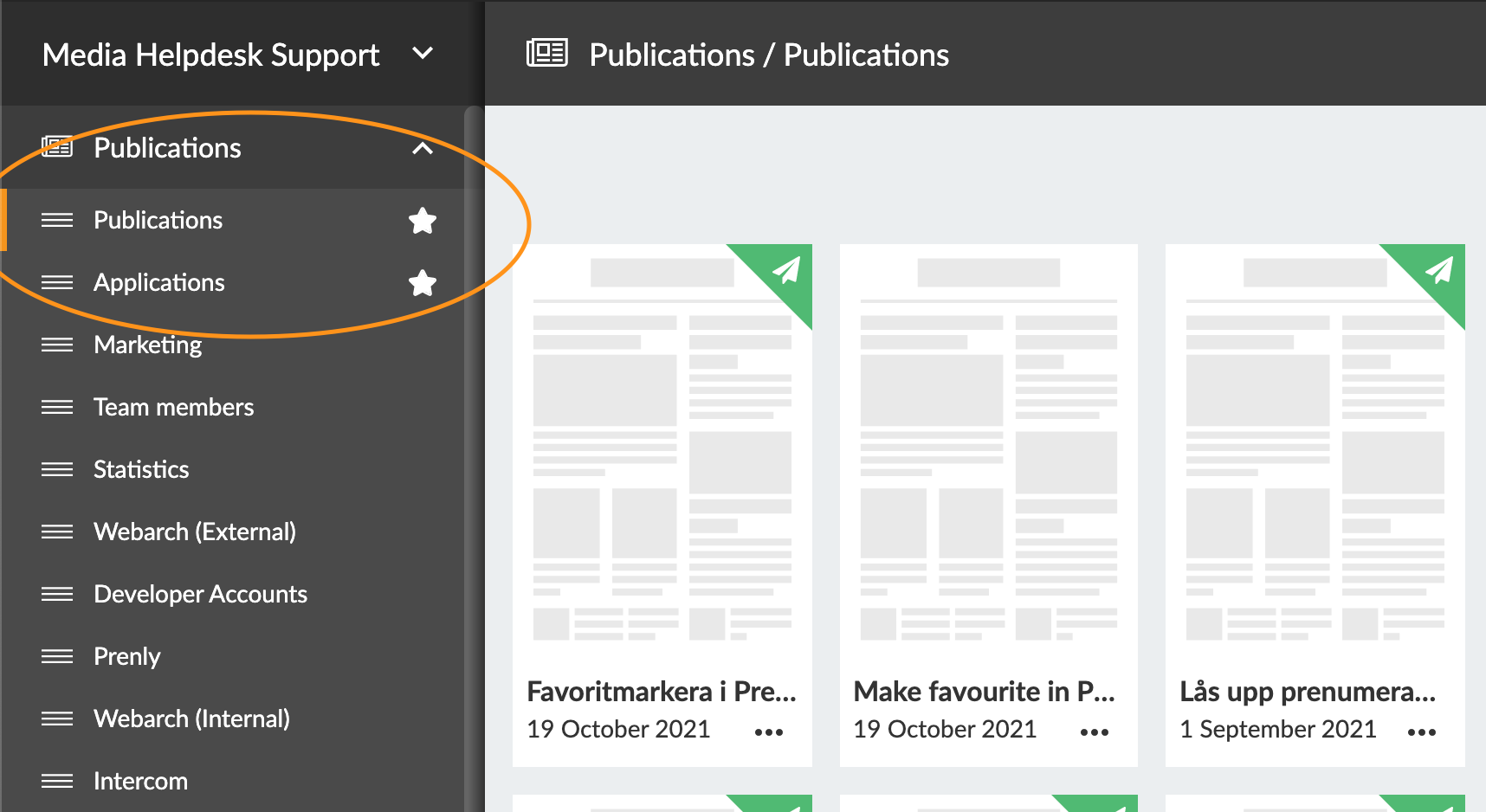
In Prenly Workspace, there is now a "drag-and-drop" menu on the left side. Go to Publications and Applications and you will see it.
To change the order, select the three dashes to the left of the publication name and then drag the title in the order you want.
To select a favourite (mark a title with a ⭐), just click on the transparent star to the right of the title name. Remember that all settings are individual, and will not affect other team members' Prenly Workspace.
You can also see how to bookmark a publication and/or application in the video guide below.