Delete publications - Prenly
If you need to delete an unwanted publication, it is very easy to do it yourself via Prenly Workspace. Here we show how to do it.
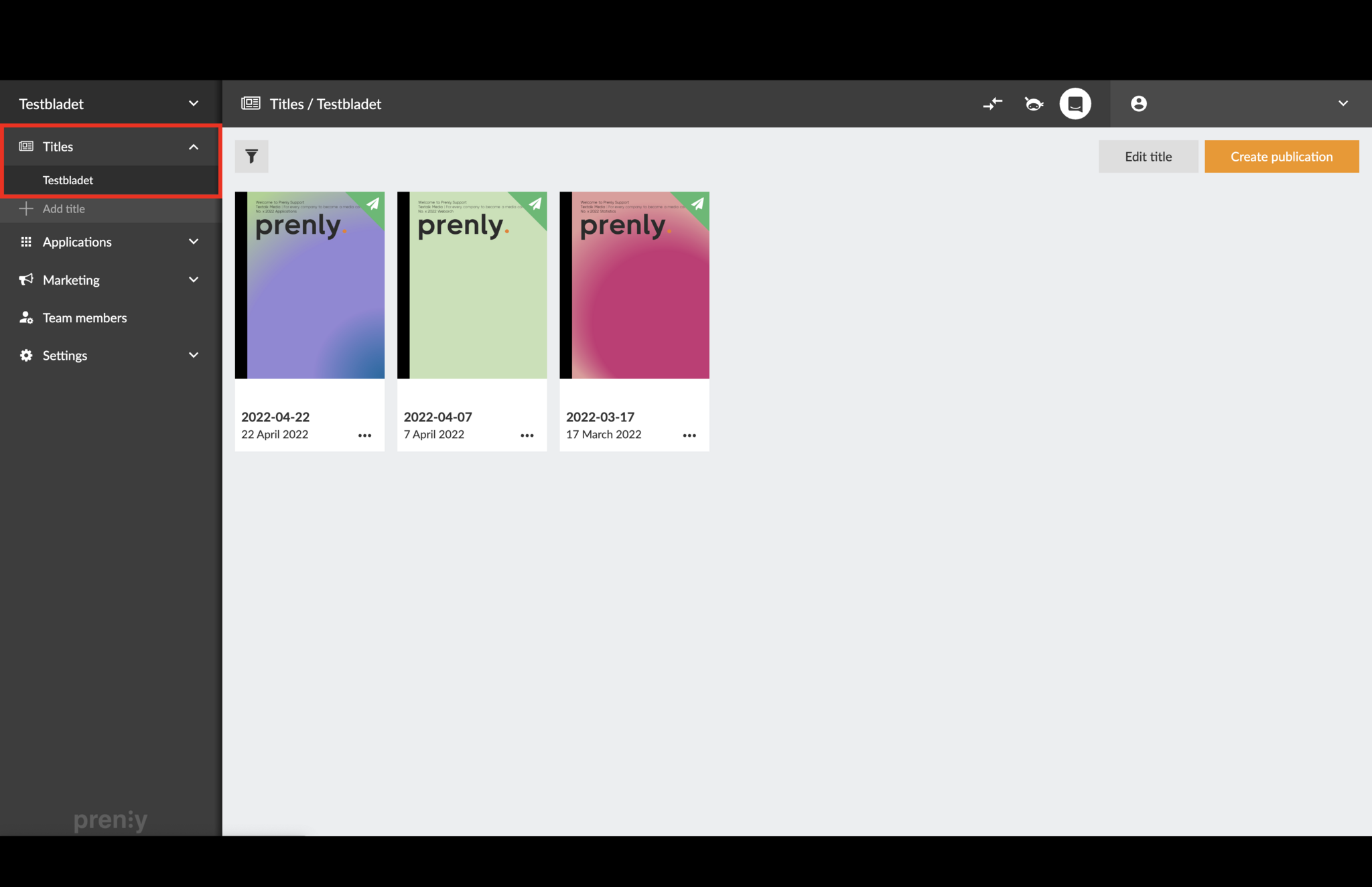
1. Go to your Titles and select the relevant title.
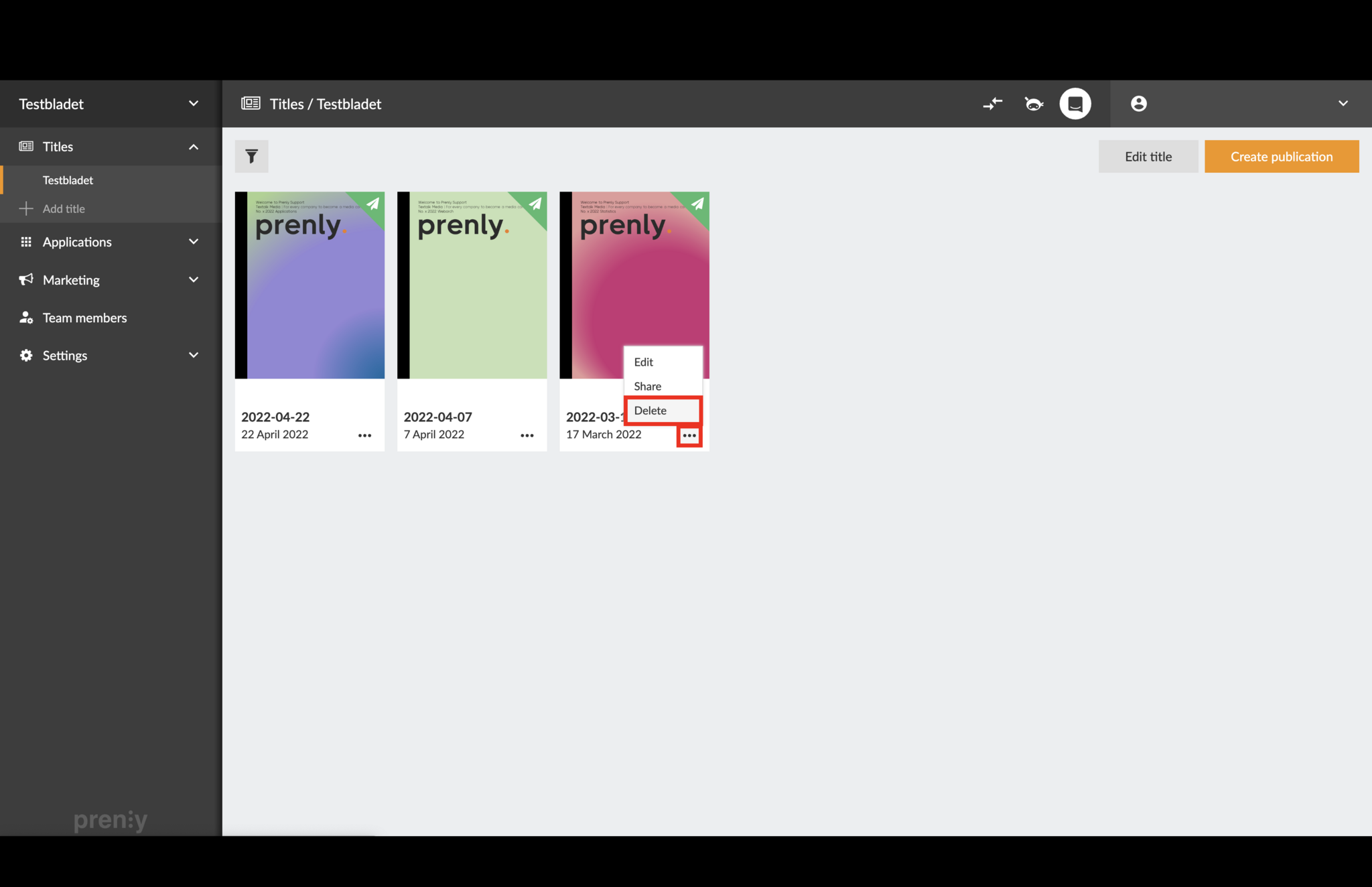
2. Select the three-dot menu and then select "Delete".
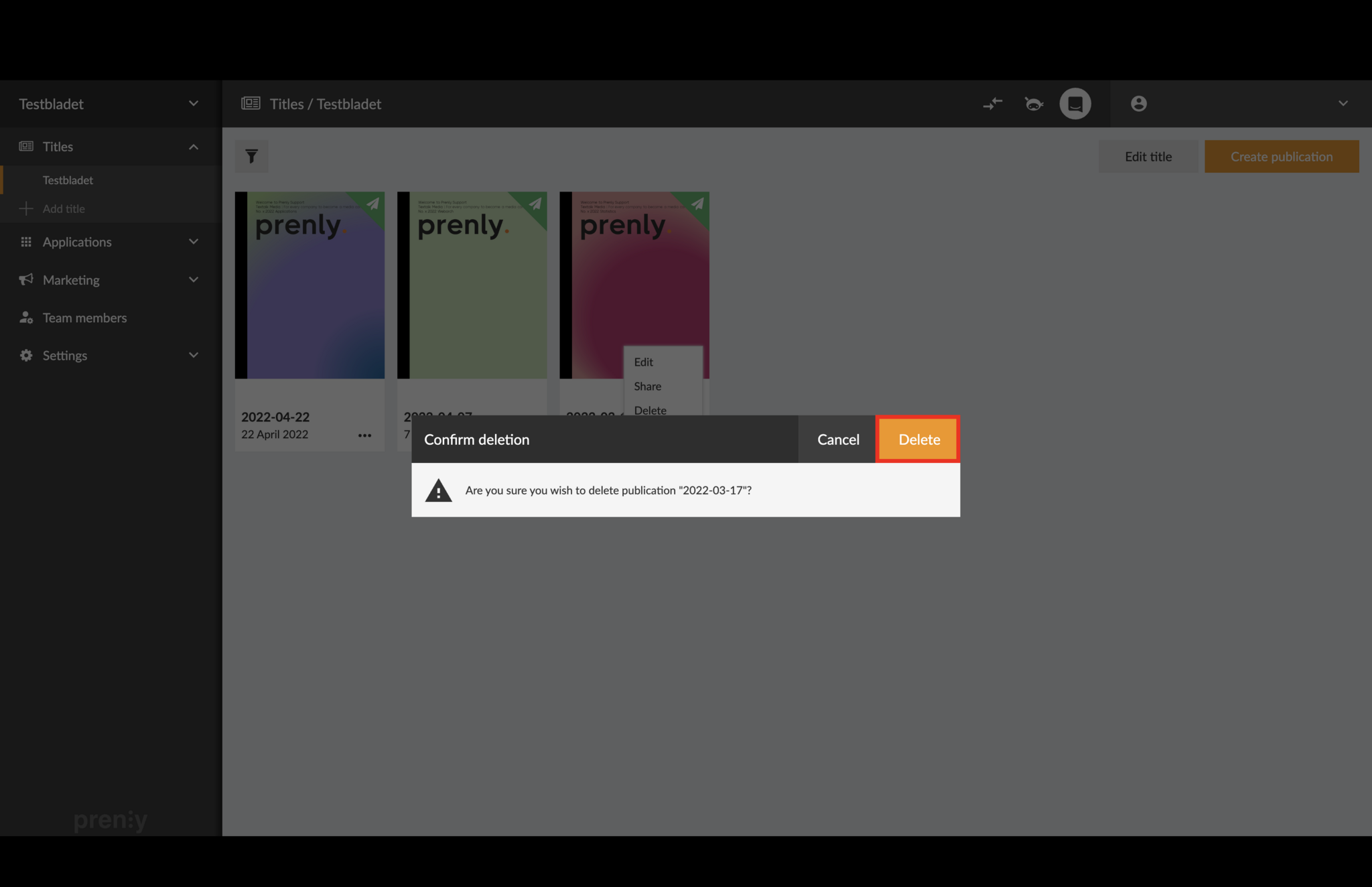
3. Confirm that you want to delete the publication by clicking "Delete".
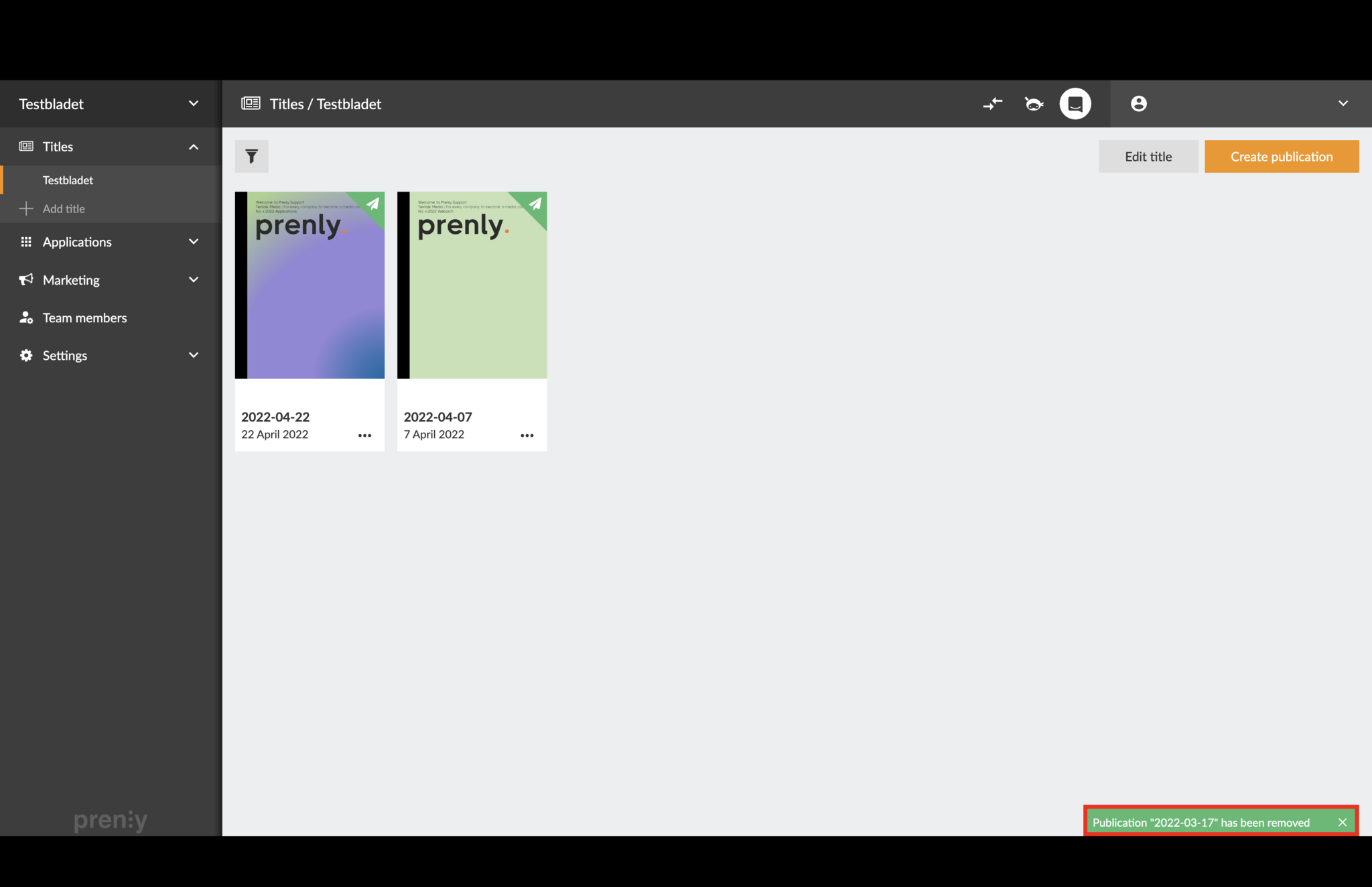
4. The publication has now been removed!