Schedule a component - Prenly
Did you know you can schedule a component on the home page?
Perfect when you need to prepare a banner, carousel or similar to be displayed on a specific date. Or maybe you just want to publish a greeting to your readers on a specific holiday when fewer people work?
How to do this
1. Open an existing component or create a new one.
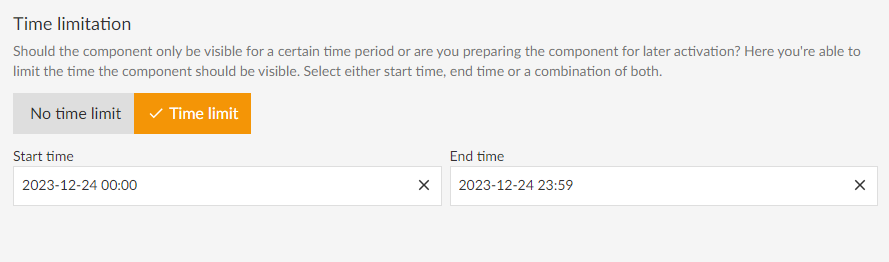
2. Scroll down to the Time Limitation section
3. Select Time limit
4. Select only start time, only end time or both.
5. Click on update
6. Don't forget to save and publish with the green button.