Rename components - Prenly
You can easily give your components individual names in Prenly Workspace.
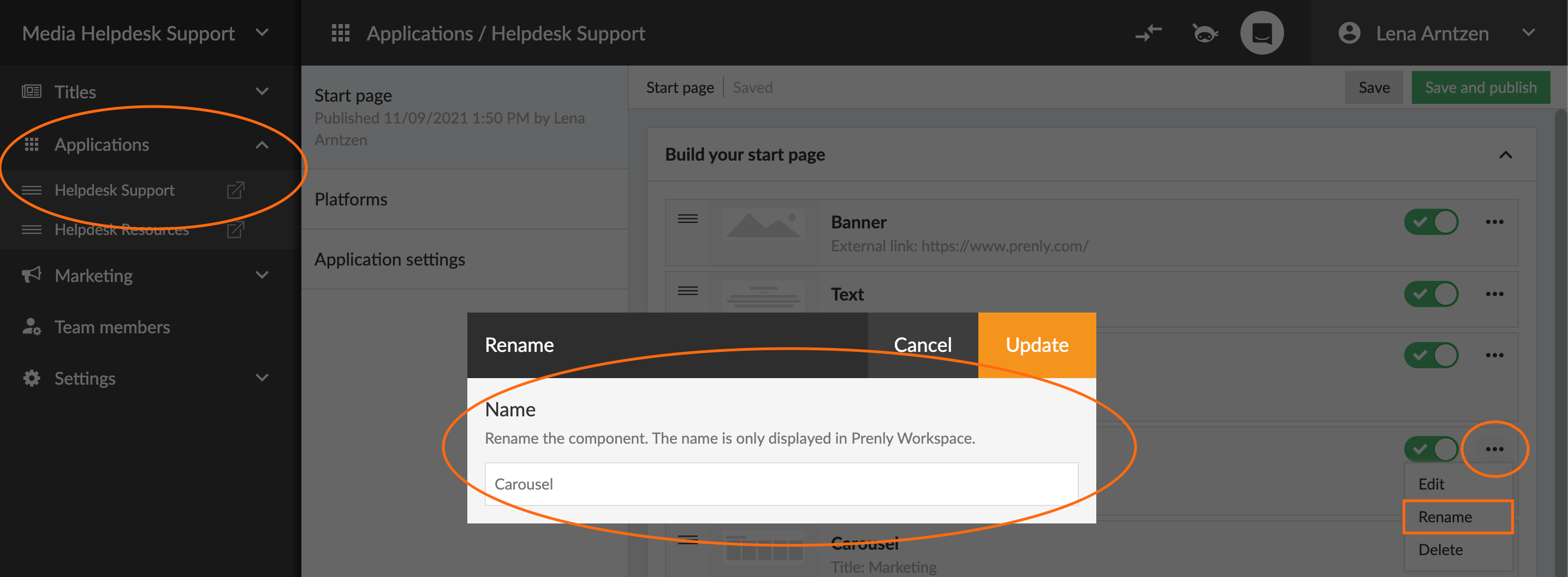
Under the Applications menu, select which application to edit. Then in the Home menu, click on the three-dot menu on the right of the component you want to rename.
Click Rename and then enter the new name for the component and click Update and finally click the save button at the top right.
The video below shows how to rename the components.