Platform-specific components - Prenly

You can decide on which platforms a component should be displayed. For example, if you want to create a special component that only appears in the web version of the e-magazine, and another that appears only in the iOS app or the Android app. This feature makes it possible to create banners and editions that are specially adapted to a specific target group. Here we show you how to do it.
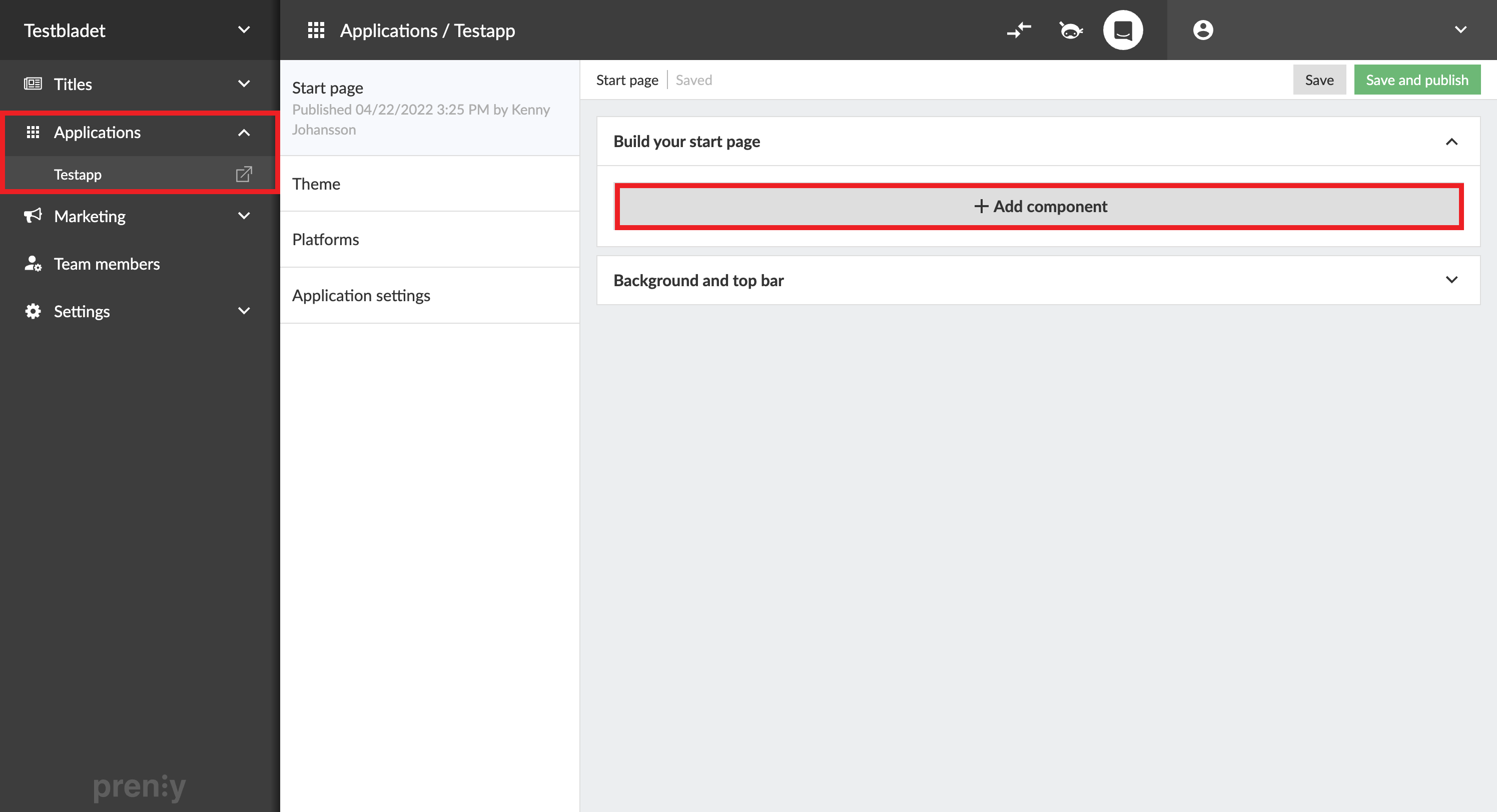
Select "Applications", the desired application and then "Add component".
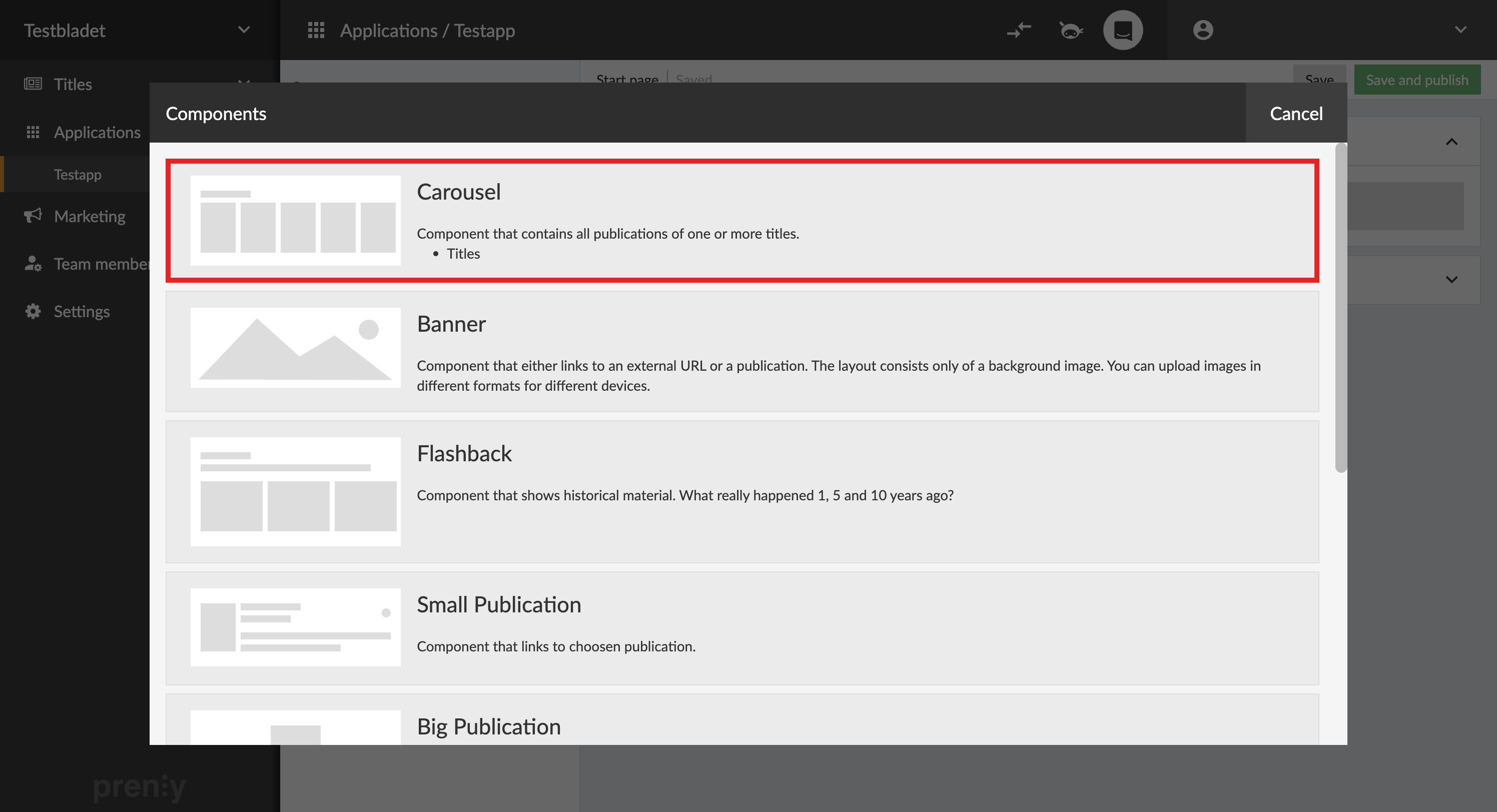
Select a component of your choice. In this example we chose "Carousel."

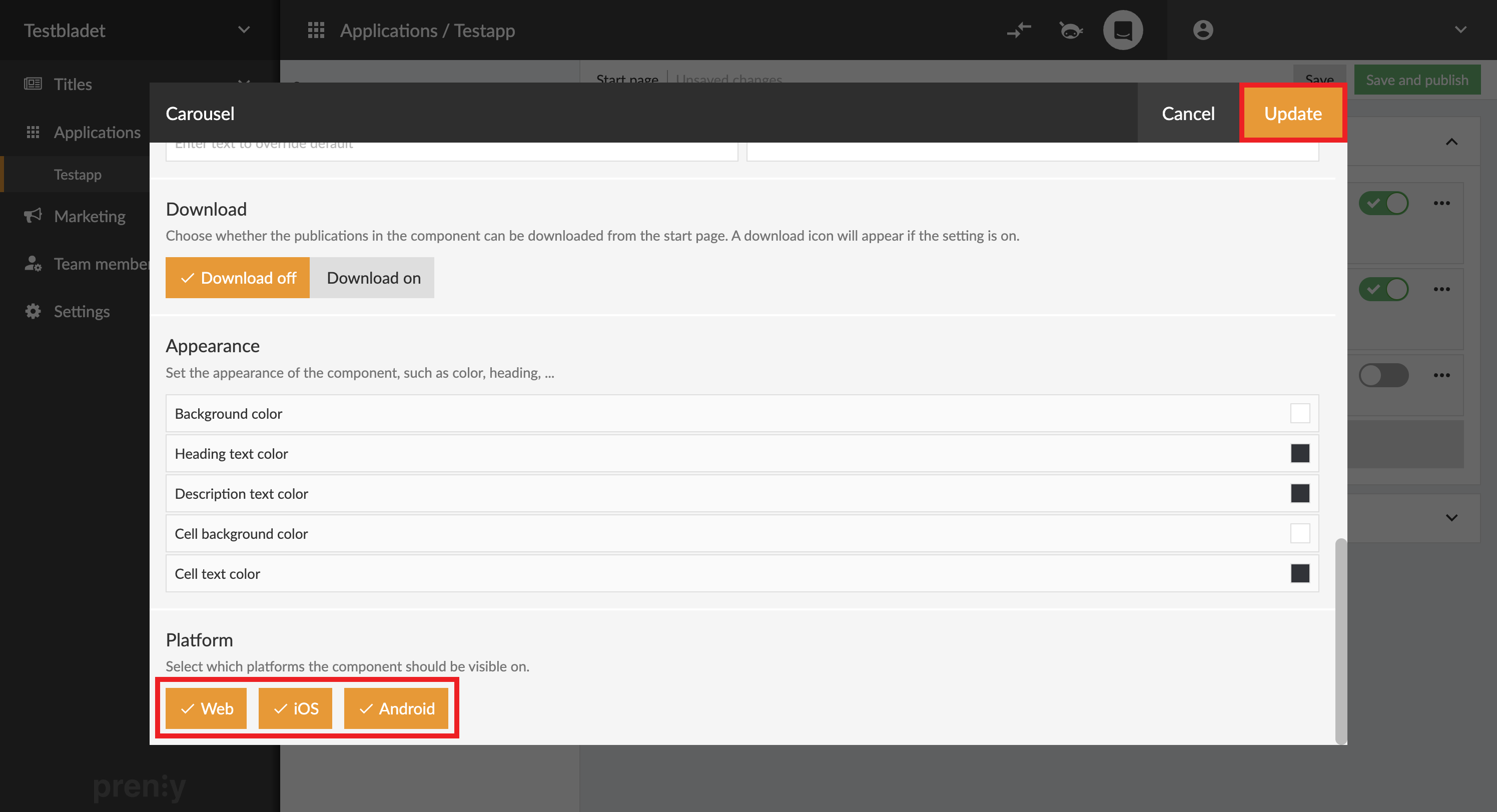
The platform setting is located at the bottom of each component.
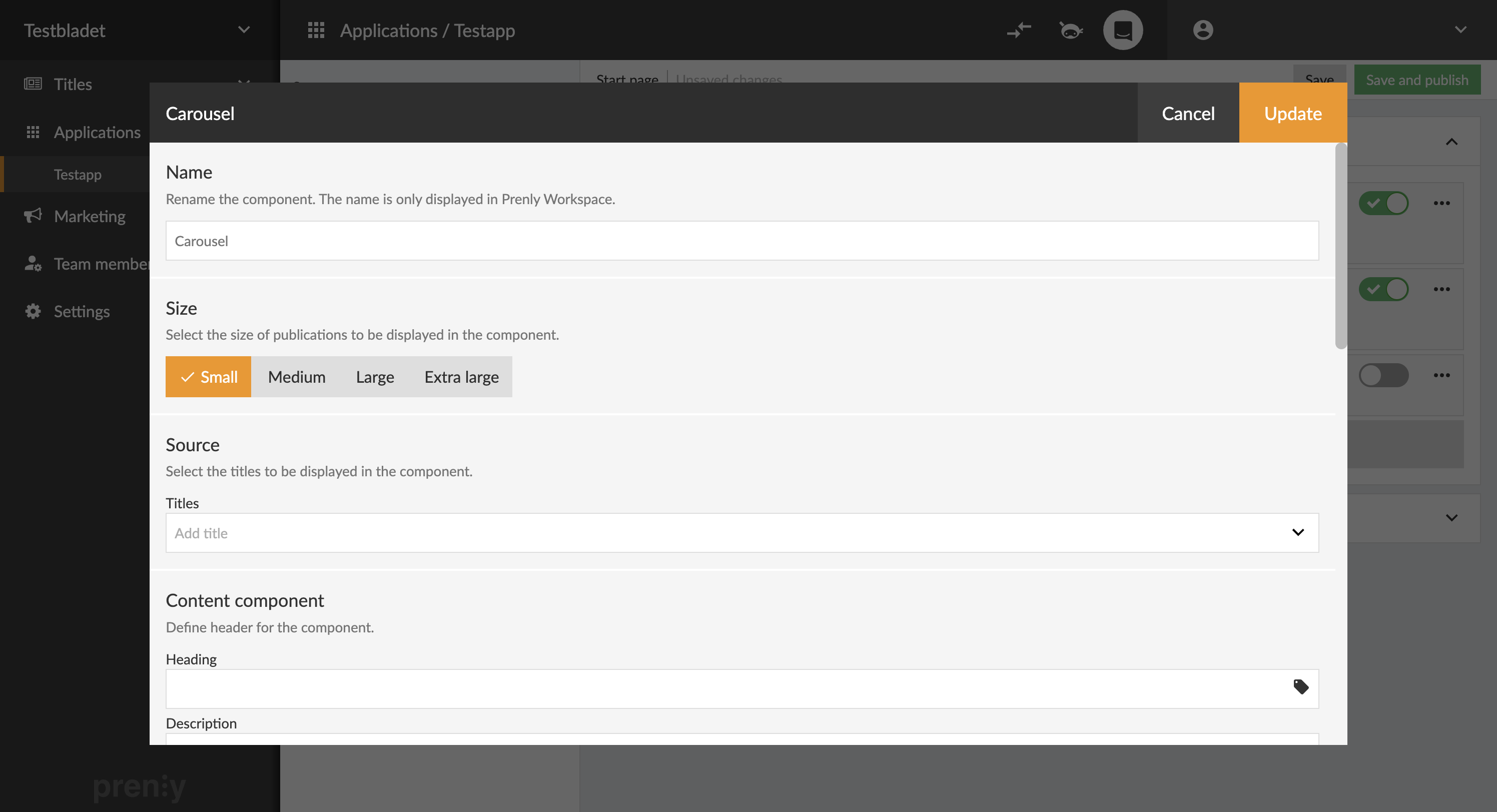
Scroll to the bottom of the settings window.
Uncheck the platforms in which you do not want to display the component and select "Update".