Change width of startpage - Prenly
Now you can change the width of the homepage content for Prenly Web Reader.
1. Log in at https://content.textalk.se/
2. Select the application for which you want to change the width.
3. Click on the tab "Start page"
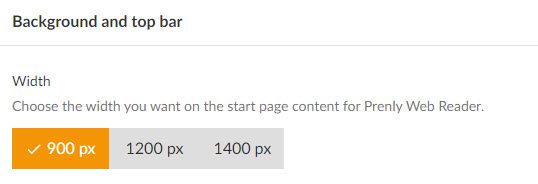
4. Scroll down to the "Background and Top bar" section.
5. Choose width between 900-1400px and save.