App icons - Prenly
App icon
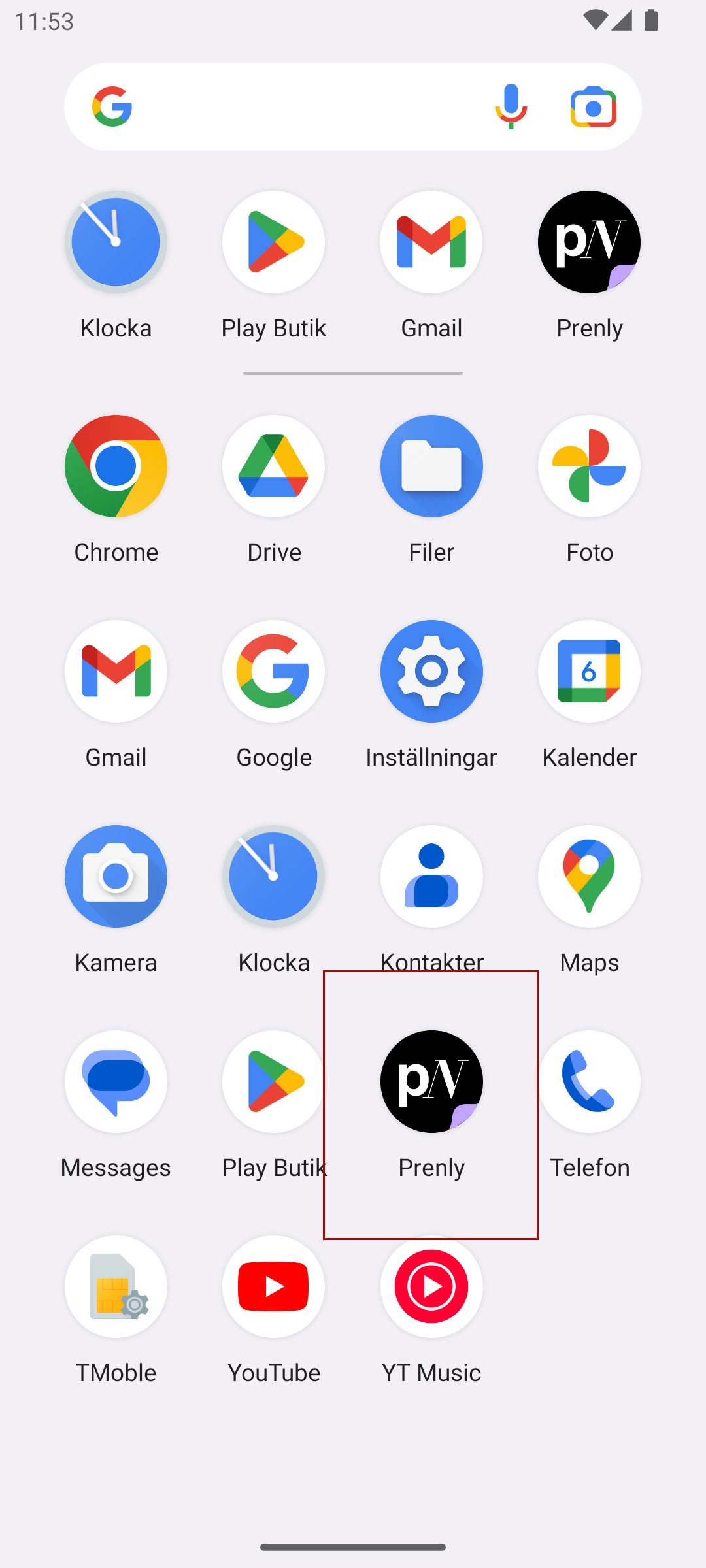
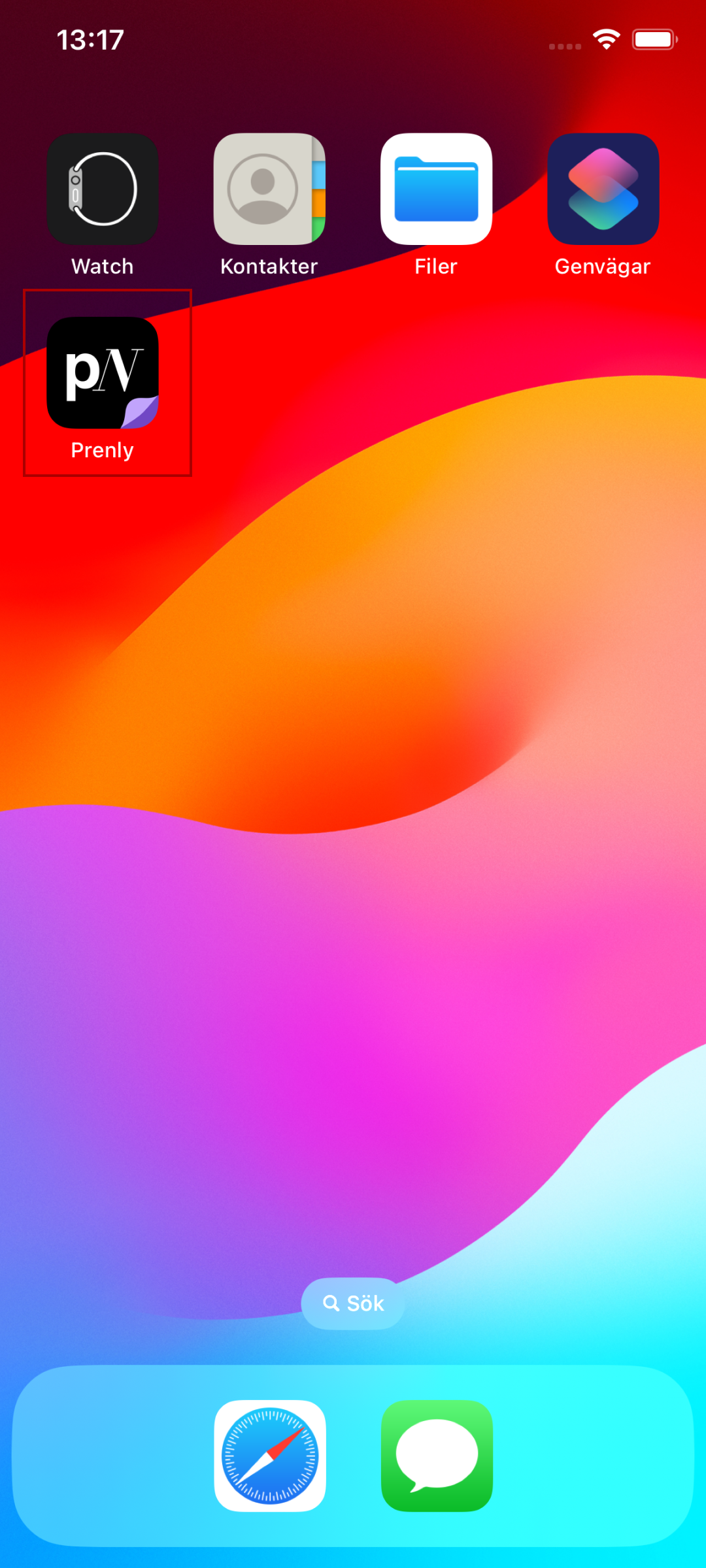
The app icon is displayed on the user's device when the app is installed and on the app's app store page (both Apple's App Store and Google's Play Store).
The app icon is transformed and sourced from a 1024x1024 px image without an alpha channel (transparent background).
Android
If the app icon does not "fit" in the app icon container then it will be colour padded with a single colour commonly extracted from one of the icon corners.
Notification icon
This only applies for Android.
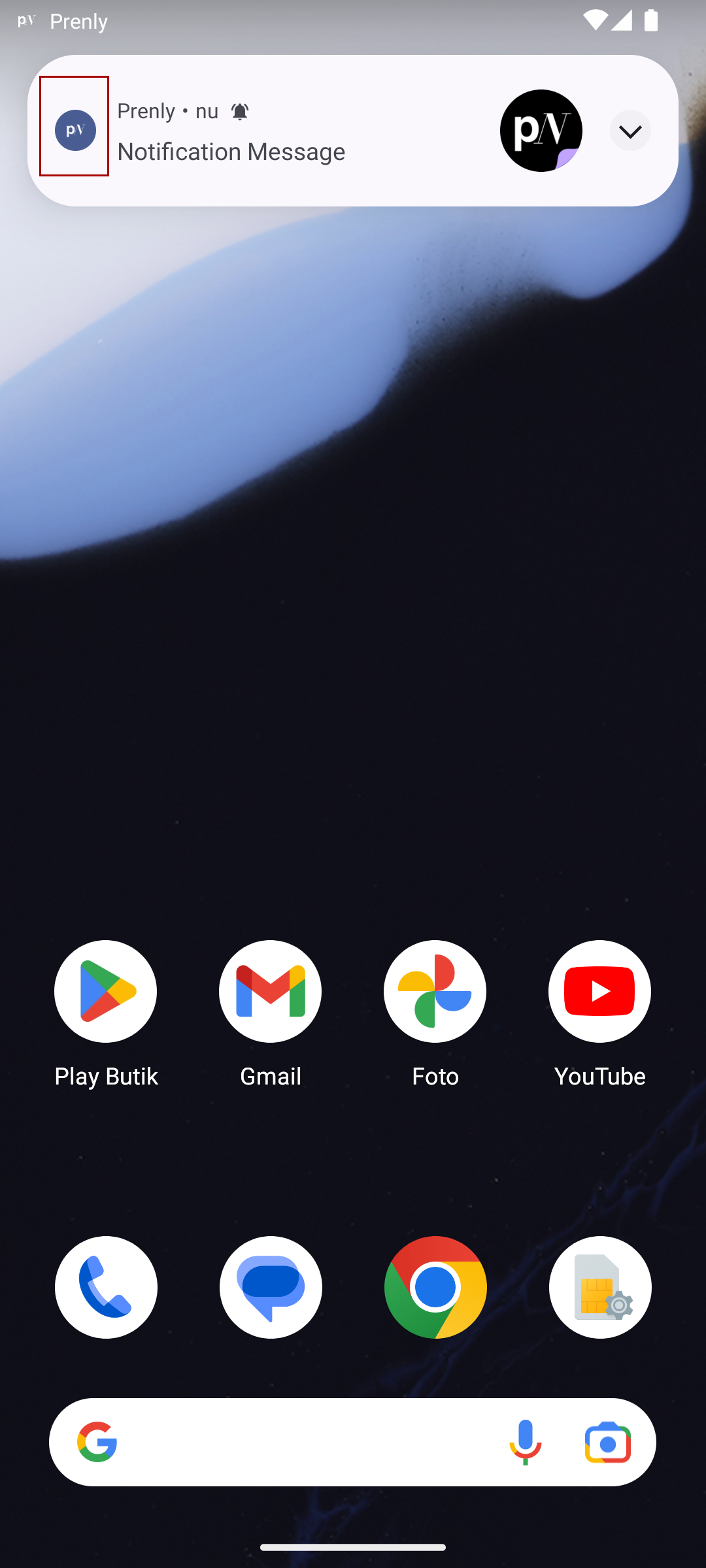
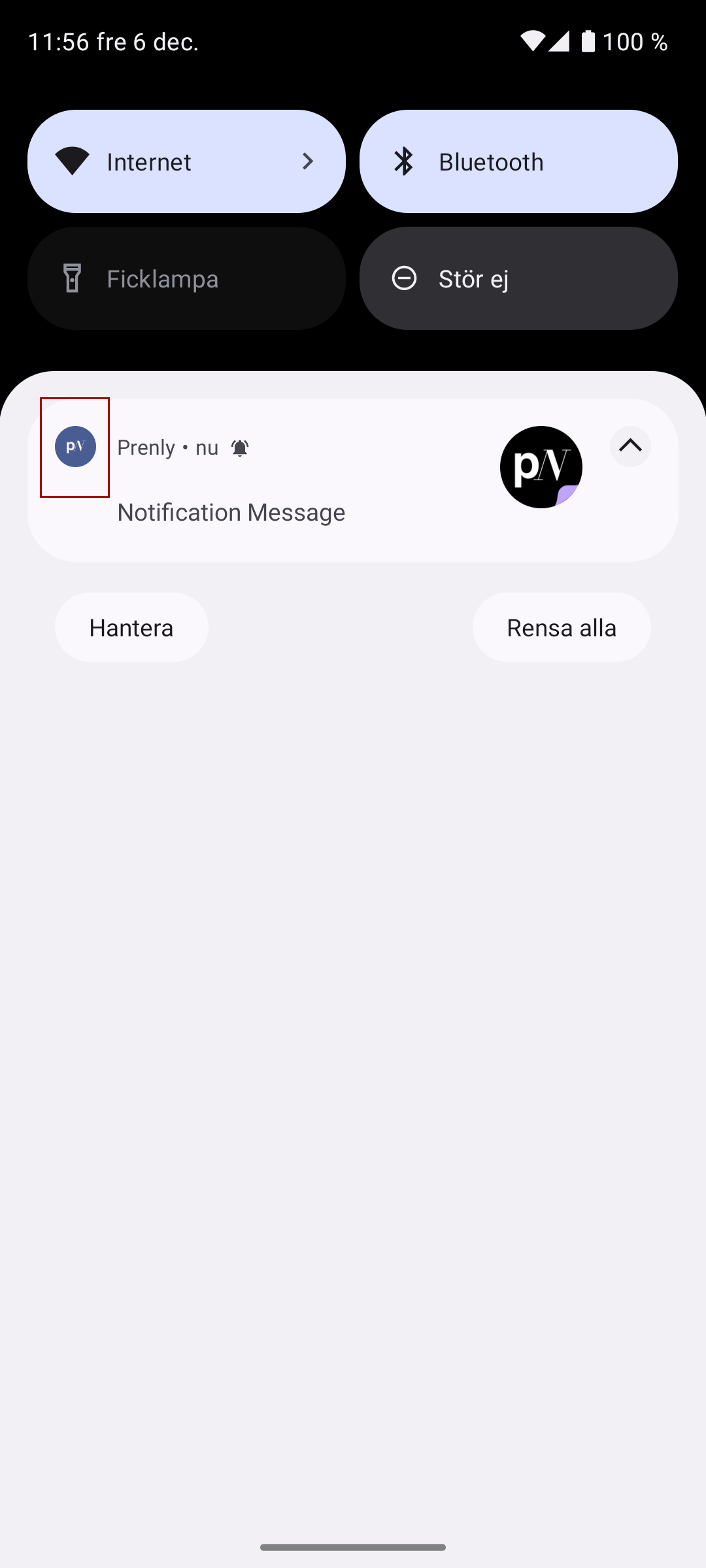
The notification icon is displayed on an Android device when it receives a notification.
The notification has a solid colour and an alpha channel. The notification is sourced from a 1024x1024 px image.
The colour for the solid colour (the single colour) is rendered in a greyish tone on Android.
All other colours should be set to 100% opacity in an alpha channel, where the alpha channel is rendered as white on Android.
Given how Android renders the notification icon it is not recommended to have an "advanced" icon. Imagine the icon as a traditional favicon where the icon shape is set either via the alpha channel or with the solid colour.
An icon with multiple colours or lack of an alpha channel can be rendered as completely whiteish, greyish, or with an unexpected icon "shape".
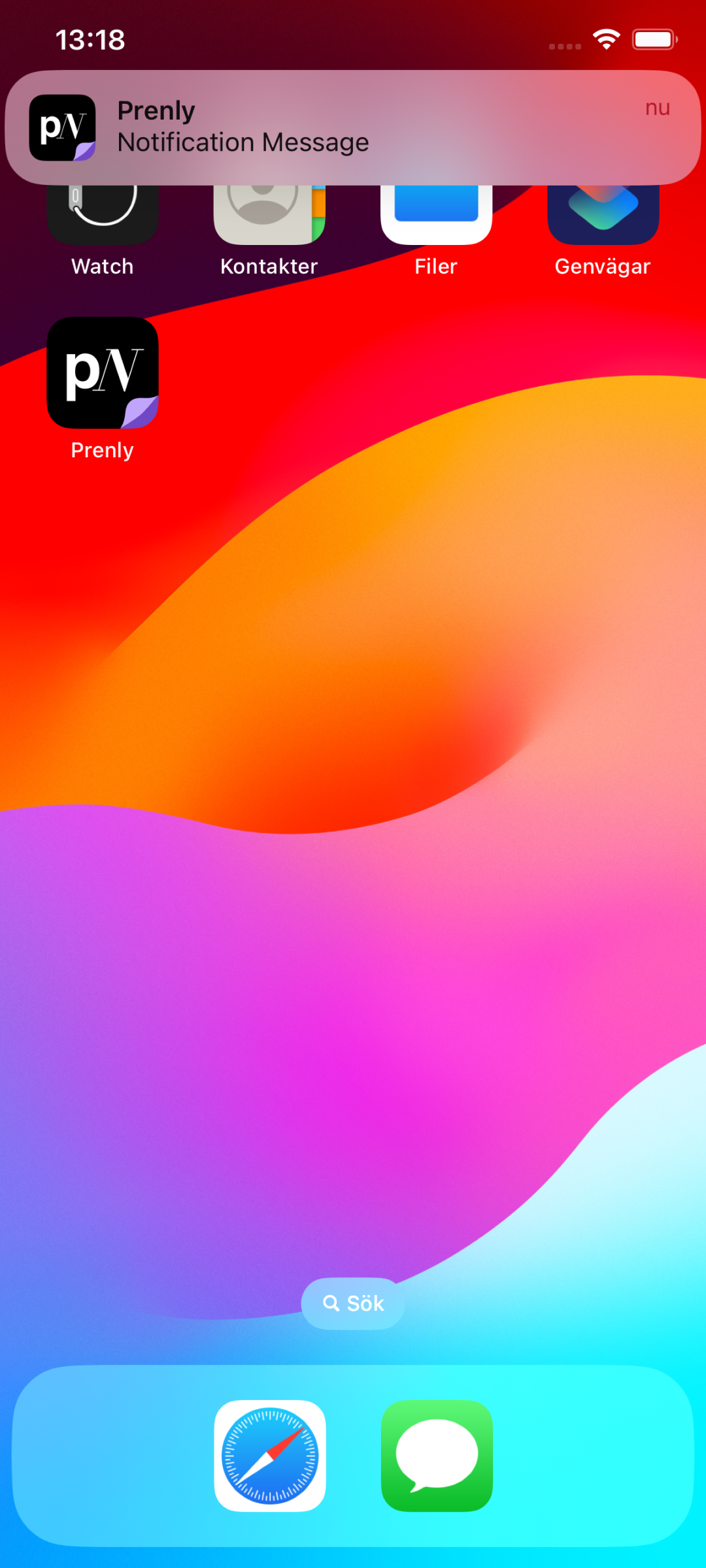
iOS displays the app icon when iOS devices receives a notification.
Splash icon
The splash icon is displayed when the user has selected the app and is loading before the app is ready to display the content.
The splash icon is sourced from a 1024x1024 px image and it can take an alpha channel.


Delivery
Please provide the icons to Prenly's helpdesk by sending an e-mail to hello@prenly.com.