Apple | Create deployment key - Prenly
This guide will guide you through easy-to-follow instructions to create a deployment key for the iOS-application within Prenly.
You need to sign in as the account holder to follow these steps.
Step 1. Sign in to your Apple developer account as the account holder by visiting https://developer.apple.com/account/
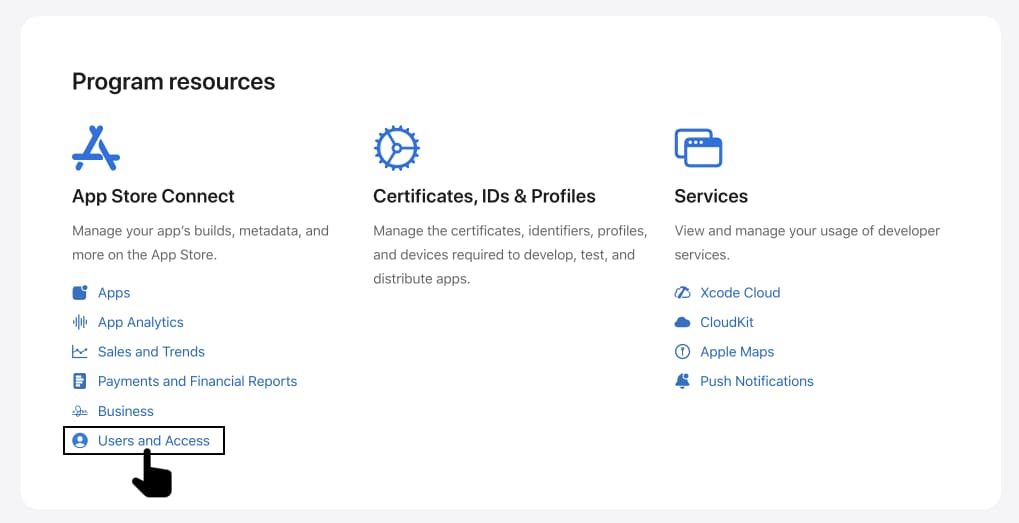
Select Users and Access in the section Program resources.
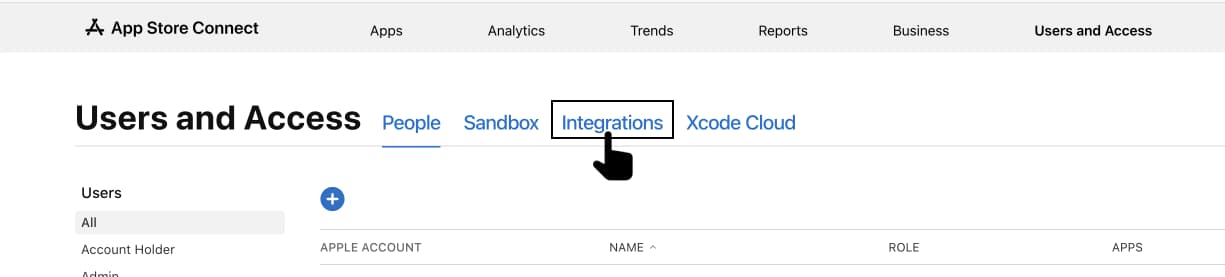
Step 2. Select Integrations.
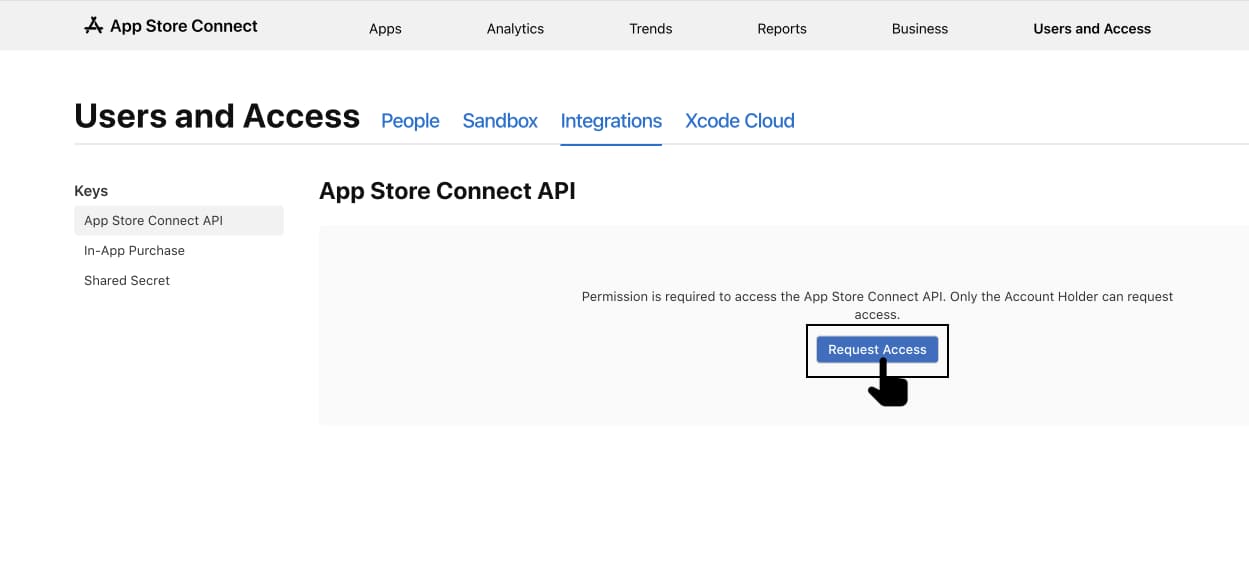
Step 3. Select Request Access to enable the App Store Connect API.
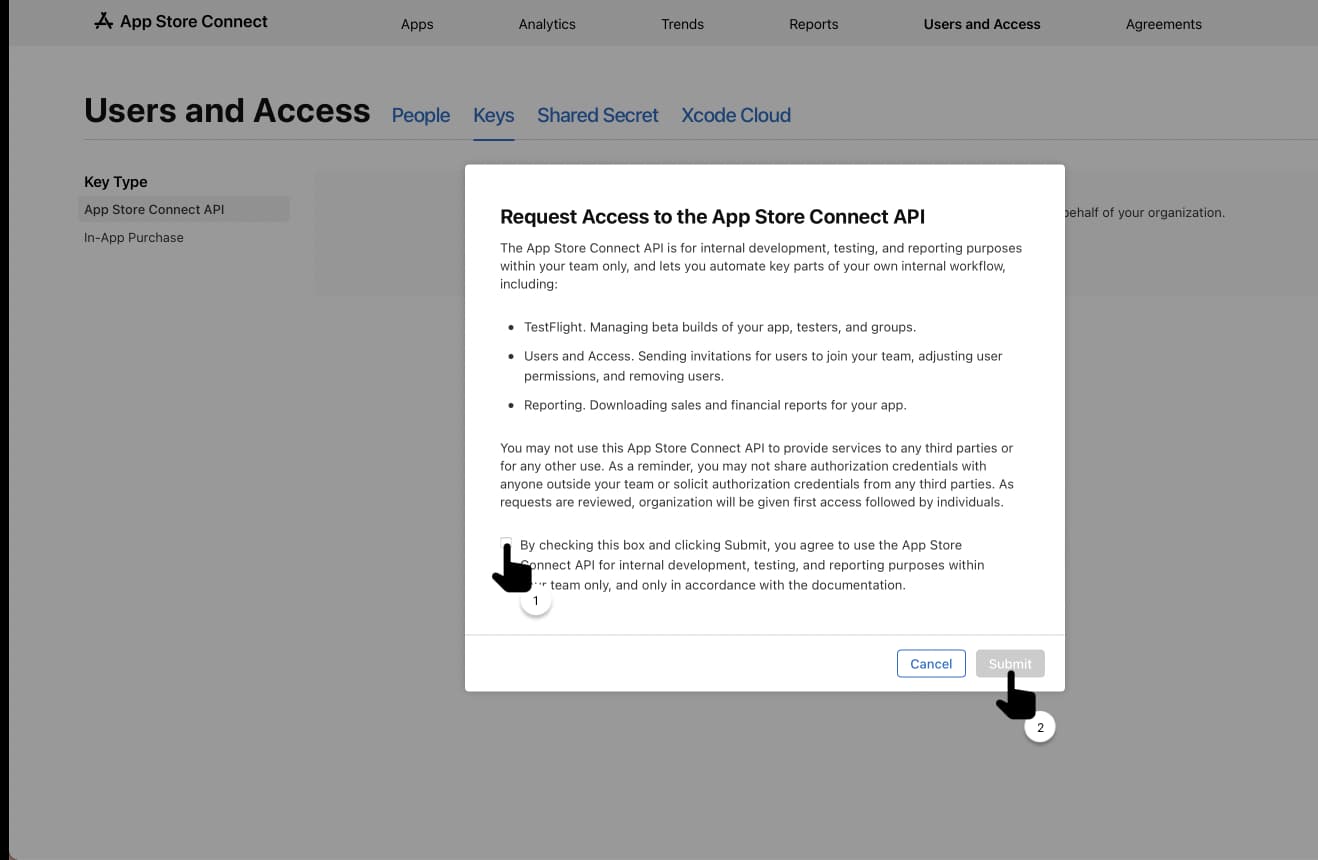
Step 4. Read through the request, check the confirmation box and then select Submit.
Step 5. Notify Prenly that you are done by sending an e-mail to hello@prenly.com.