Third-party CMP modules - Prenly
If you want to use a more advanced CMP module, we currently (2024) offer integrations with four third-party tools: Didomi, Cookiebot, Usercentrics and Sourcepoint.
With any of these, you have greater possibilities to customize the shape and color and also integrate with other services so that the consent applies across multiple subdomains.
The visitor is presented with the CMP dialog when they first visit the e-journal. The visitor can then choose to "Accept all" or make their own personal settings regarding consent for different purposes. The visitor's choice is saved, but the visitor can change their choice on a subsequent visit by re-opening the CMP dialog.
If you want to use a third-party CMP, you will need to enter into an agreement with the CMP company yourself and make sure to set up consent dialogs and the features that need to be displayed and managed.
An SDK (software development kit) needs to be built into the native apps and configuration needs to be done in Workspace to link the external CMP dialog with the app's functions so that the user's choices are both saved and respected.
Contact our support to enable external CMP modules for your application in Prenly Workspace.
There will be an additional ongoing cost for the integration we do with the third-party tool.
Do you want to use any other CMP module than the ones we support today?
Contact our sales team to get a cost estimate.
Below is a review of the different tools that Prenly supports:
Didomi
https://www.didomi.io/
Used on Bonnier News e-newspapers, for example Dagens Nyheter, works both on web, ios and Android.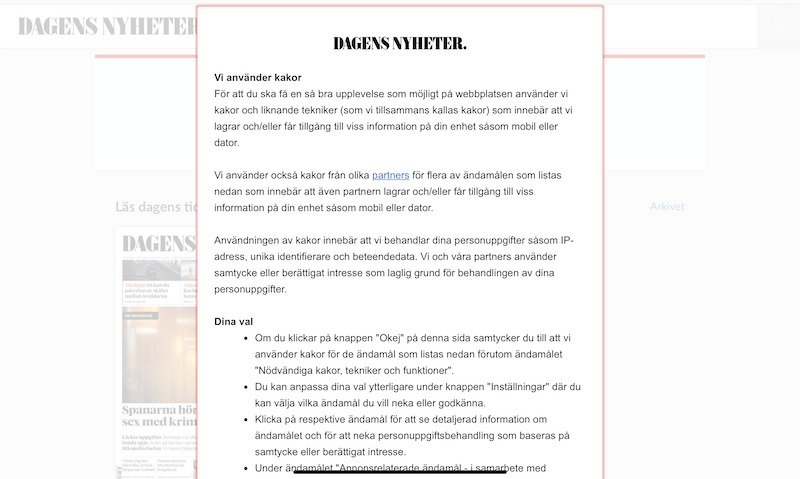
To use Didomi in the ios and Android apps, Didomi SDK needs to be built into the apps, which requires an app update.
You need to create consent dialogs (consent notices) for web and native apps in Didomi admin and download api key and notice ID.
Next, modules need to be created in Prenly Workspace where a number of values must be entered:
- API key (Didomi's organization id for your account)
- Notice id (if app id or domain is not specified in Didomi's admin)
- Purpose ids for functional, analytical and marketing.
- Vendor ids to control Prenly's functions.
These values you need to get in Didomi's admin.
Cookiebot
https://www.cookiebot.com/ - has been bought by Usercentrics.
Used in the web reader, currently on JP/Politikens e-newspapers, e.g. Politiken e-avis.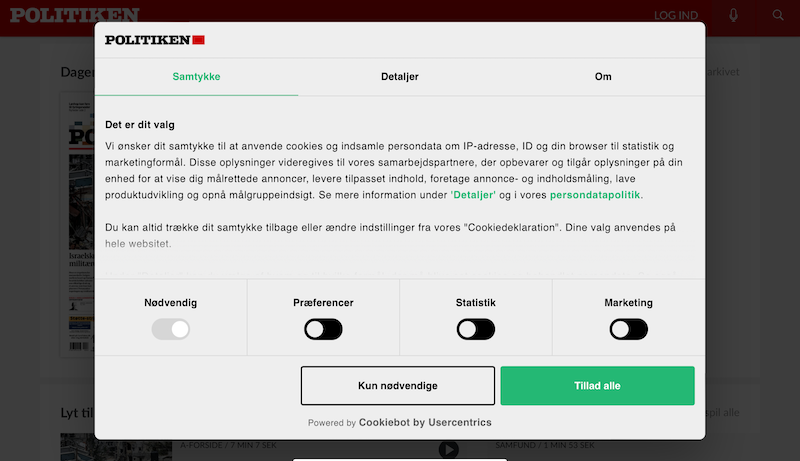
A module needs to be created in Workspace and connected to the e-newspaper web client, where you enter the "Domain group ID" as defined in Cookiebot.
Cookiebot scans the web reader's cookies and you must map each cookie to the correct purpose in Cookiebot's admin.
Usercentrics
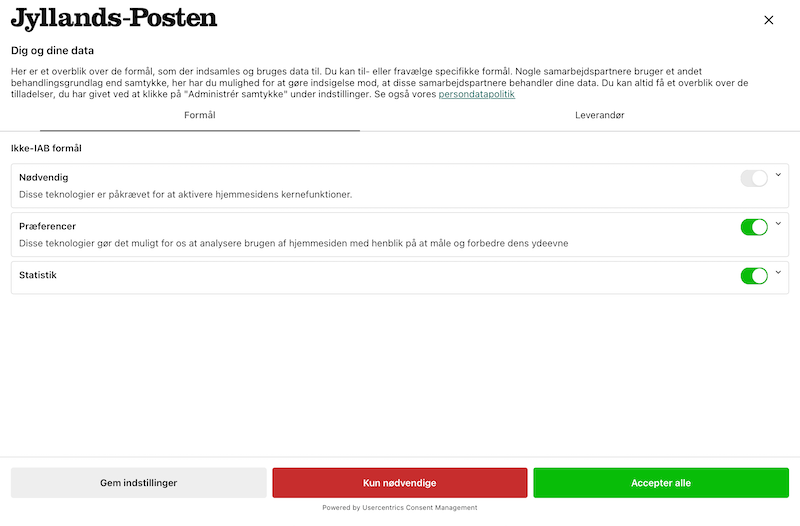
Currently used in apps for IOS and Android in JP/Politikens e-newspaper apps, for example Jyllands-Posten e-avis.
To use Usercentrics, an SDK needs to be built into the IOS and Android apps, which requires an app update.
Once the SDK is in place, the configuration can be completed in Prenly Workspace. There, a new consent module needs to be created and values entered for "settings-id" and also the mapping needs to be done between "service-id" in Usercentrics and features in Prenly.
Sourcepoint
sourcepoint.com
Currently used by Schibsted, for example in Aftonbladet and Svenska Dagbladet's e-newspapers, both web, ios and Android.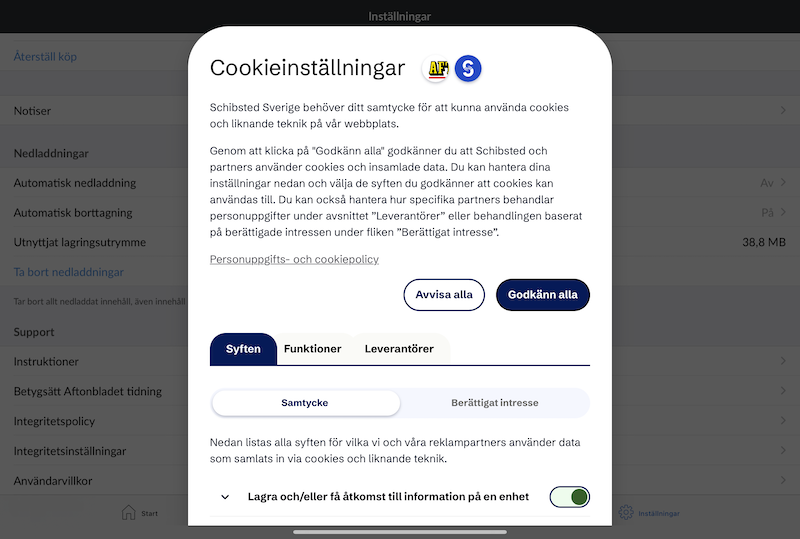
To use Sourcepoint, you need to contact Prenly support, as a special SDK needs to be built into the app and a number of configurations need to be made in Prenly Workspace.