My Profile - Prenly
In Prenly Workspace you can also manage your profile for the tool.
Start by logging in to: content.textalk.se
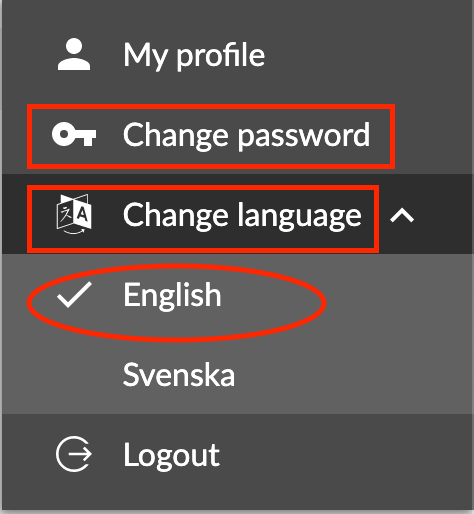
Then click on your name in the upper right corner, and a drop-down menu will appear.
Click on My Profile to make changes.

Here you can change settings such as, email address, first and last name, add phone number or username.
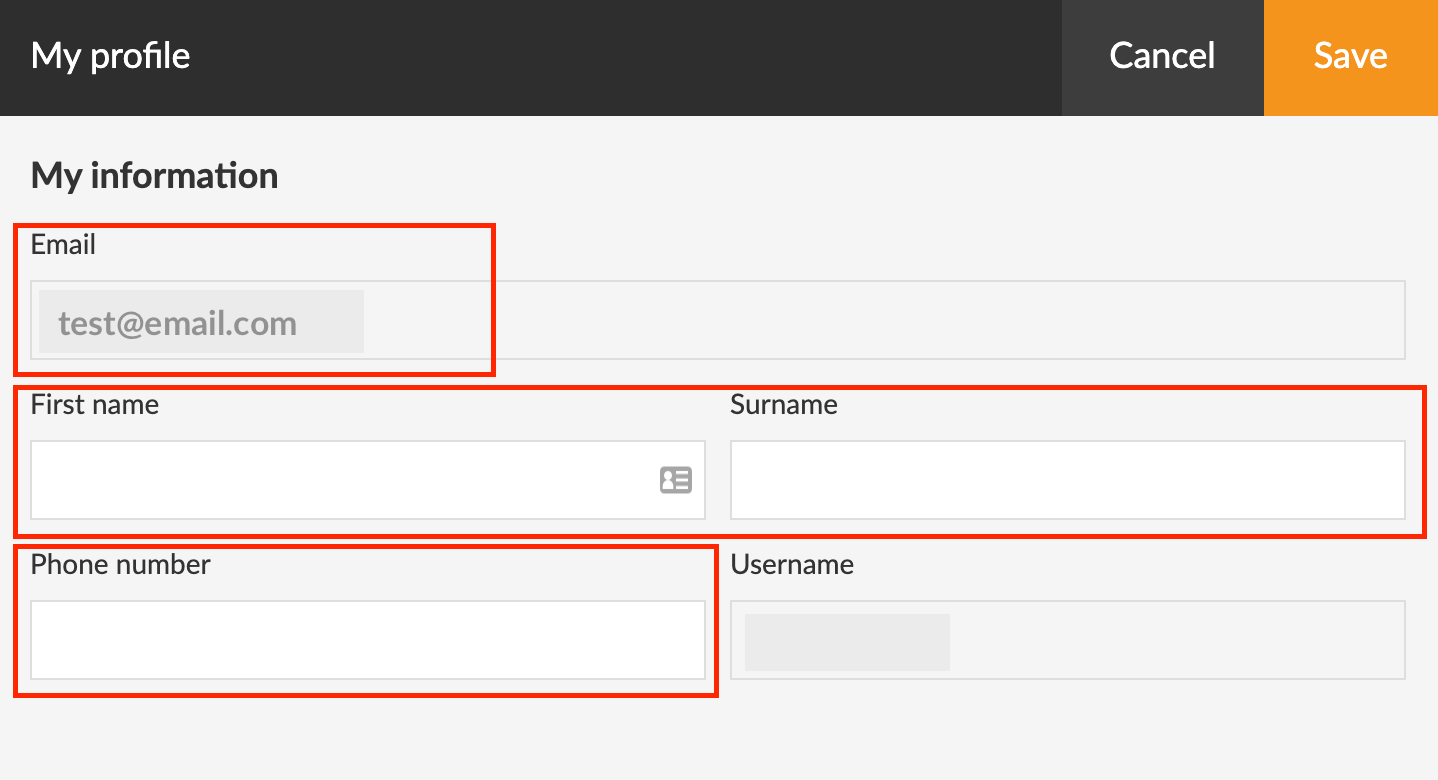
When you are satisfied with the change, just click Save at the top right.
Under the My Profile menu there is also the Change password function and the possibility to change the language for Prenly Workspace. Currently English & Swedish are supported.